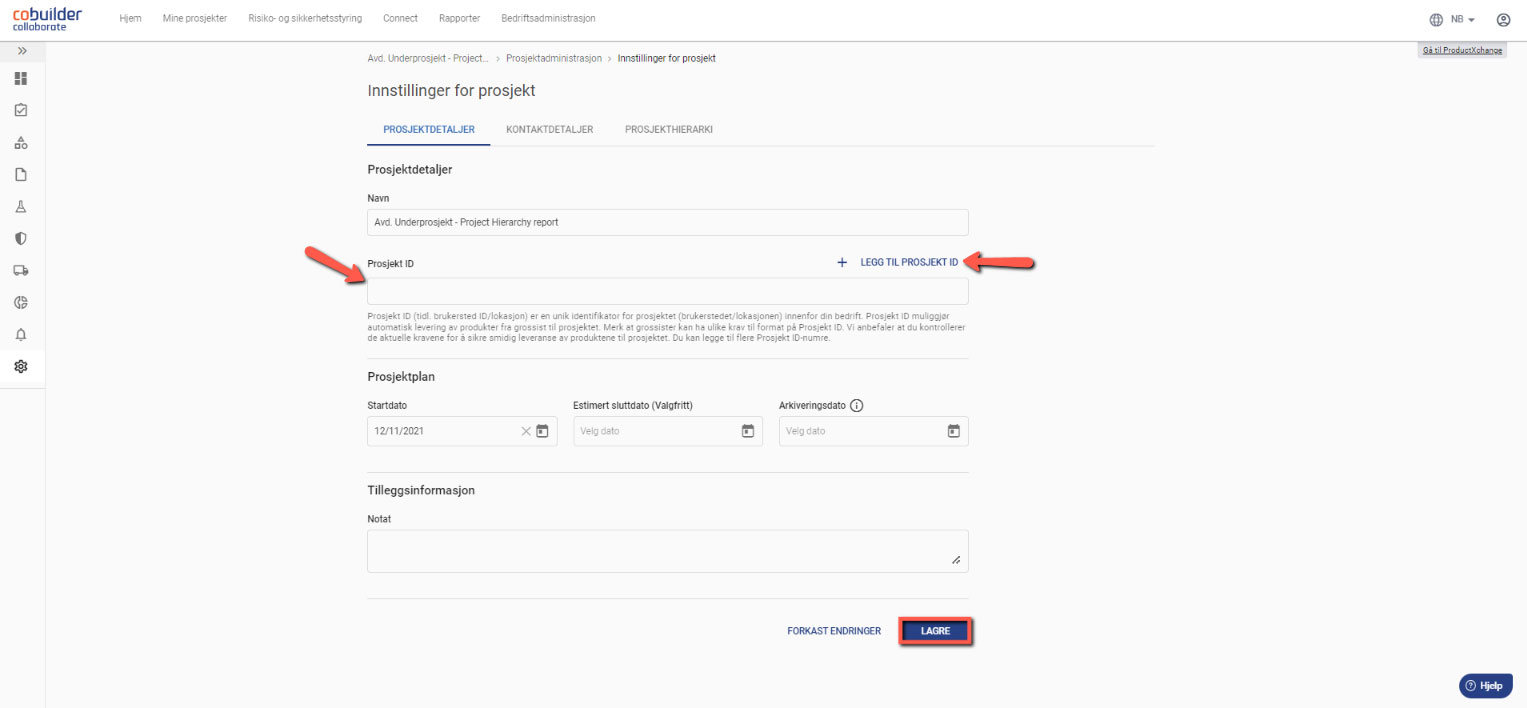
When a main contractor invites your company to a project in Cobuilder Collaborate, you need to accept the invitation and enter the project ID before the project is ready to use. Accept the invitation [...]

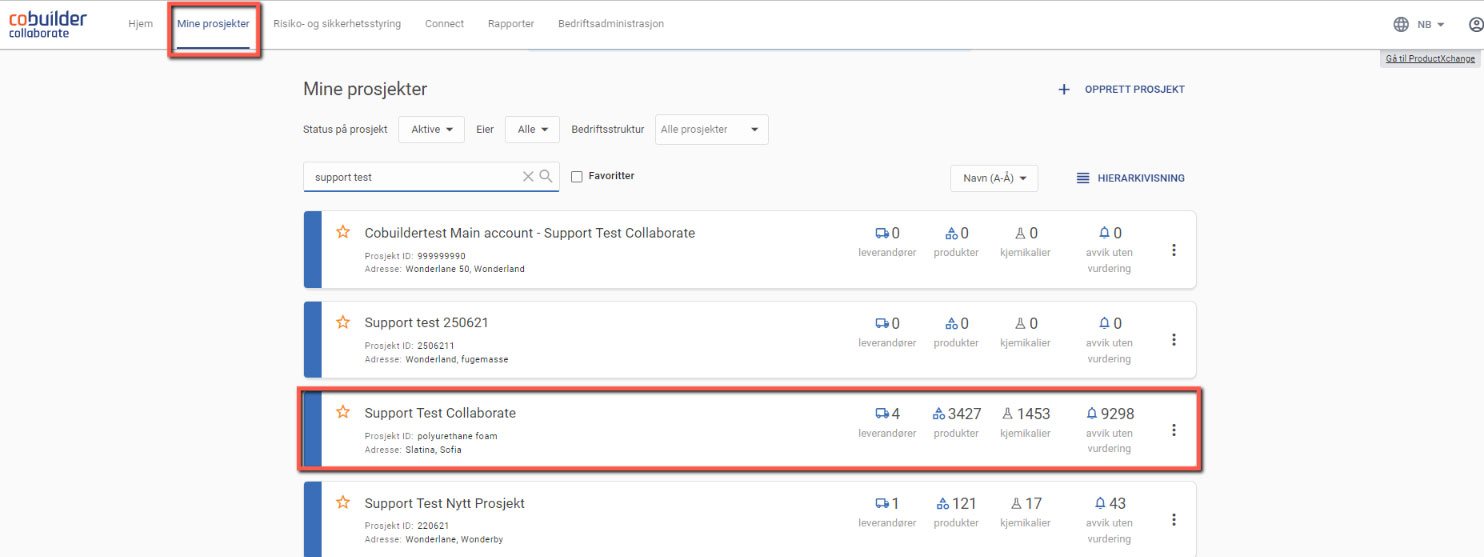
Mark a product as a favorite so you don't have to search for it again every time you add it to a project. Mark a new product as a favorite 1 Go [...]
2 min read
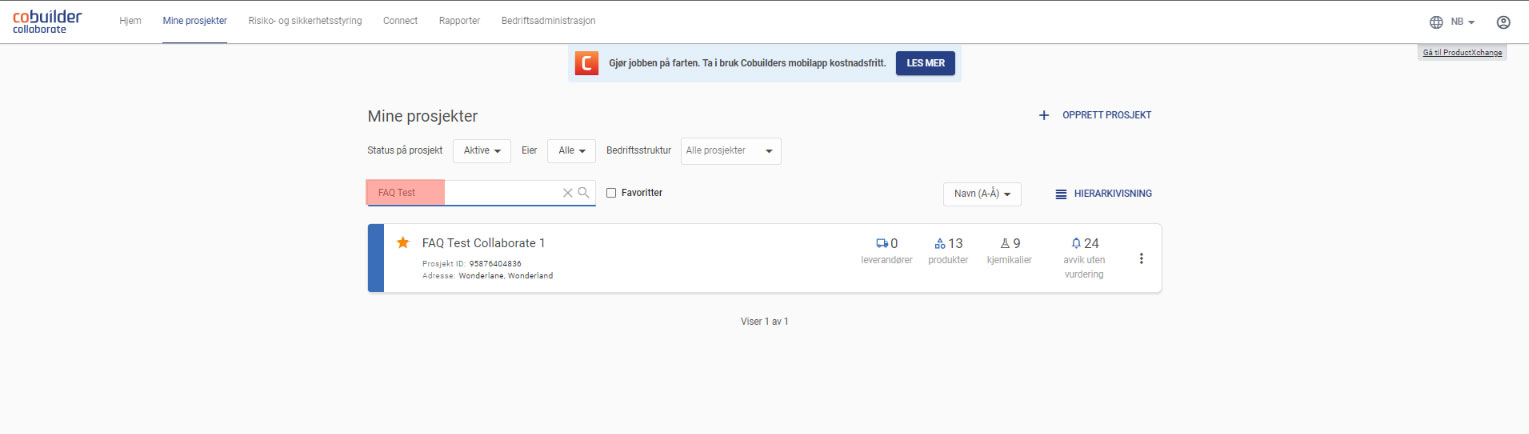
Setting up a new project with the same products as a project you already have? Instead of adding them again one by one, you can copy the whole product list from the existing project. Ensure only: This feature isn't [...]
2 min read

Follow these steps to create a new project in Cobuilder Collaborate. Note: Creating projects is only available on the Ensure plan. See how to upgrade to Ensure. Create the project 1 [...]
2 min read

Use subprojects to split a main project into smaller parts – for example by building, construction phase, contract or delivery. This makes it easier to organise documentation, follow up requirements and manage the work on larger or more complex projects. [...]
2 min read

Invite subcontractors and suppliers to deliver products and related documentation to your project. To get started, send the company an invitation. How to do it 1 Search for your project and [...]
2 min read

