Welcome to Cobuilder Training Portal
Cobuilder Supply makes it easy to collaborate and share information. You can share your entire product overview, or single products with documentation and linked data, with colleagues, partners or others.
Share all your products
1
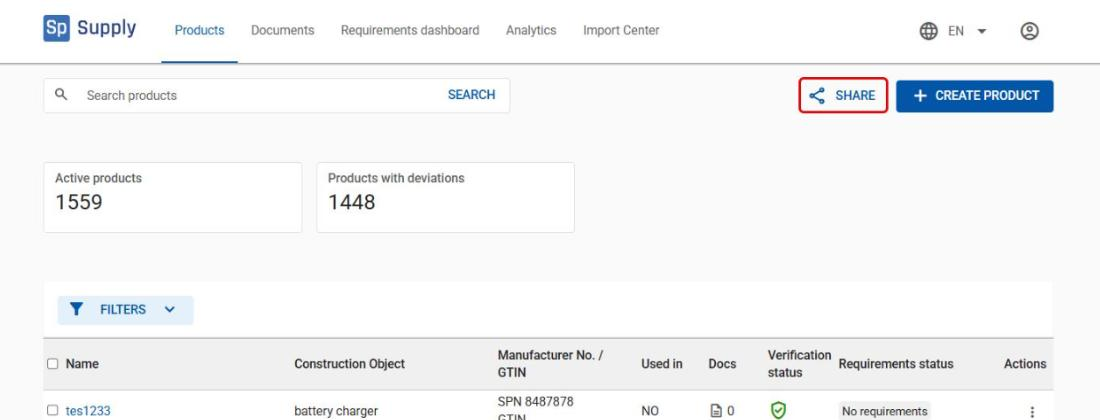
To share all your products, click Share above the product overview.
2
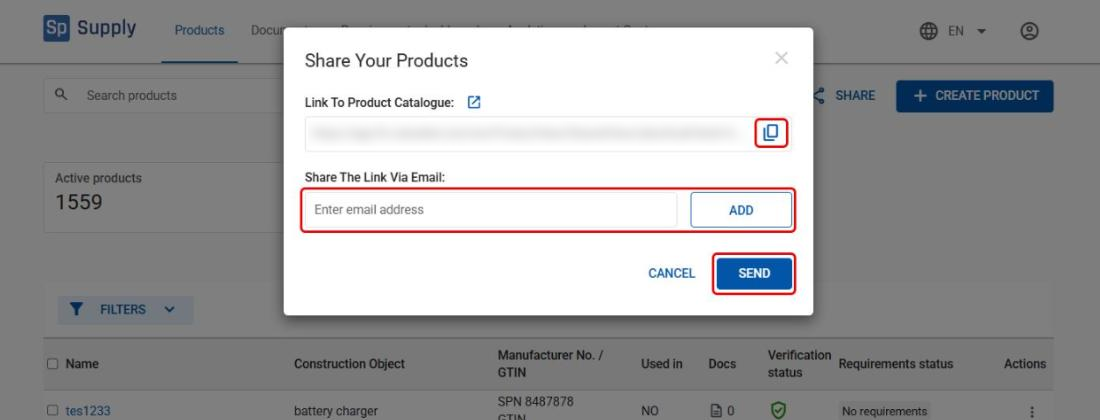
In the Share Your Products window, either copy the link and share it yourself, or enter the recipient’s email address, click Add and then Send.
3
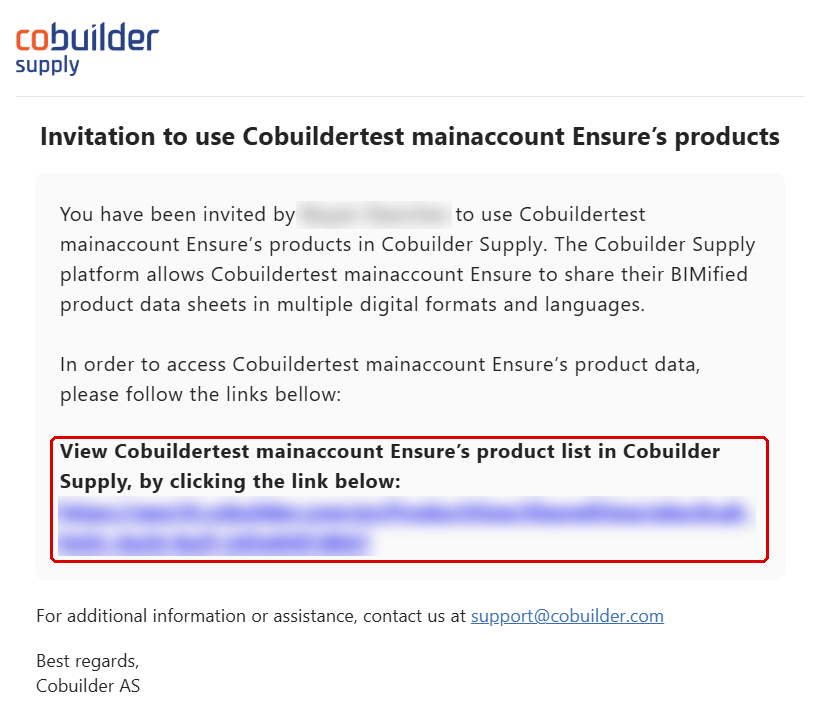
The recipient automatically receives an email with the access link.
Share a single product
1
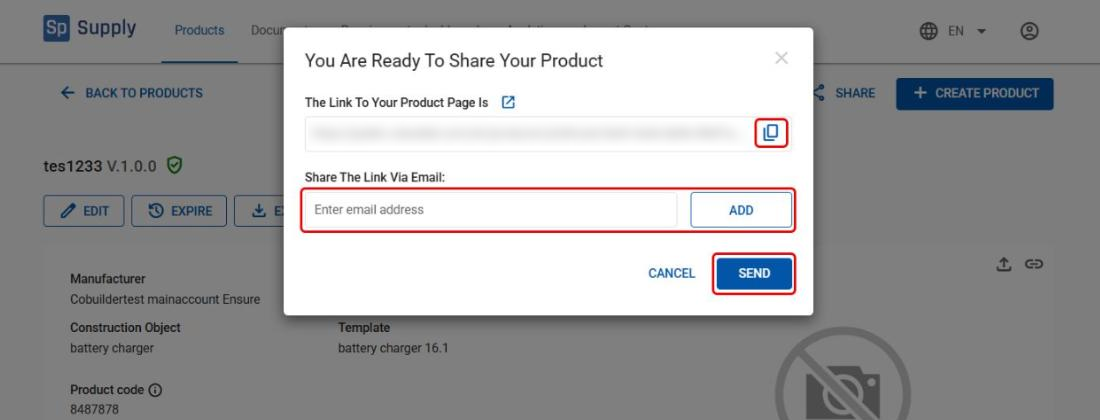
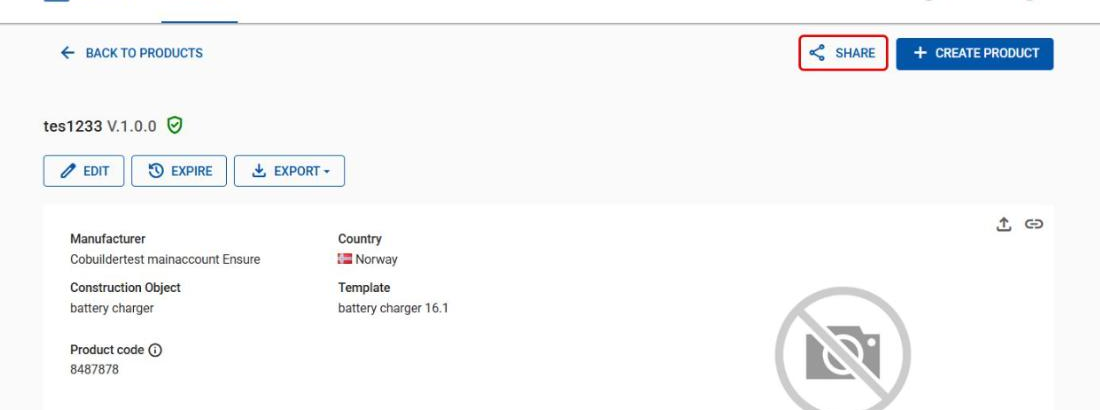
To share only one product, open the product and click Share.
2
In the You Are Ready To Share Your Product window, either copy the link and share it yourself, or enter the recipient’s email address, click Add and then Send.