Welcome to Cobuilder Training Portal
You can log your employees’ exposures in the Exposure register in Collaborate. All information from the Exposure register in the old ProductXchange module has been transferred to Cobuilder Collaborate.
Employees can be registered with individual exposure or group exposure. This article shows how to export data from the Exposure per employee tab. Group data is on the Group Exposure tab next to it.
Export all employees’ exposures
1
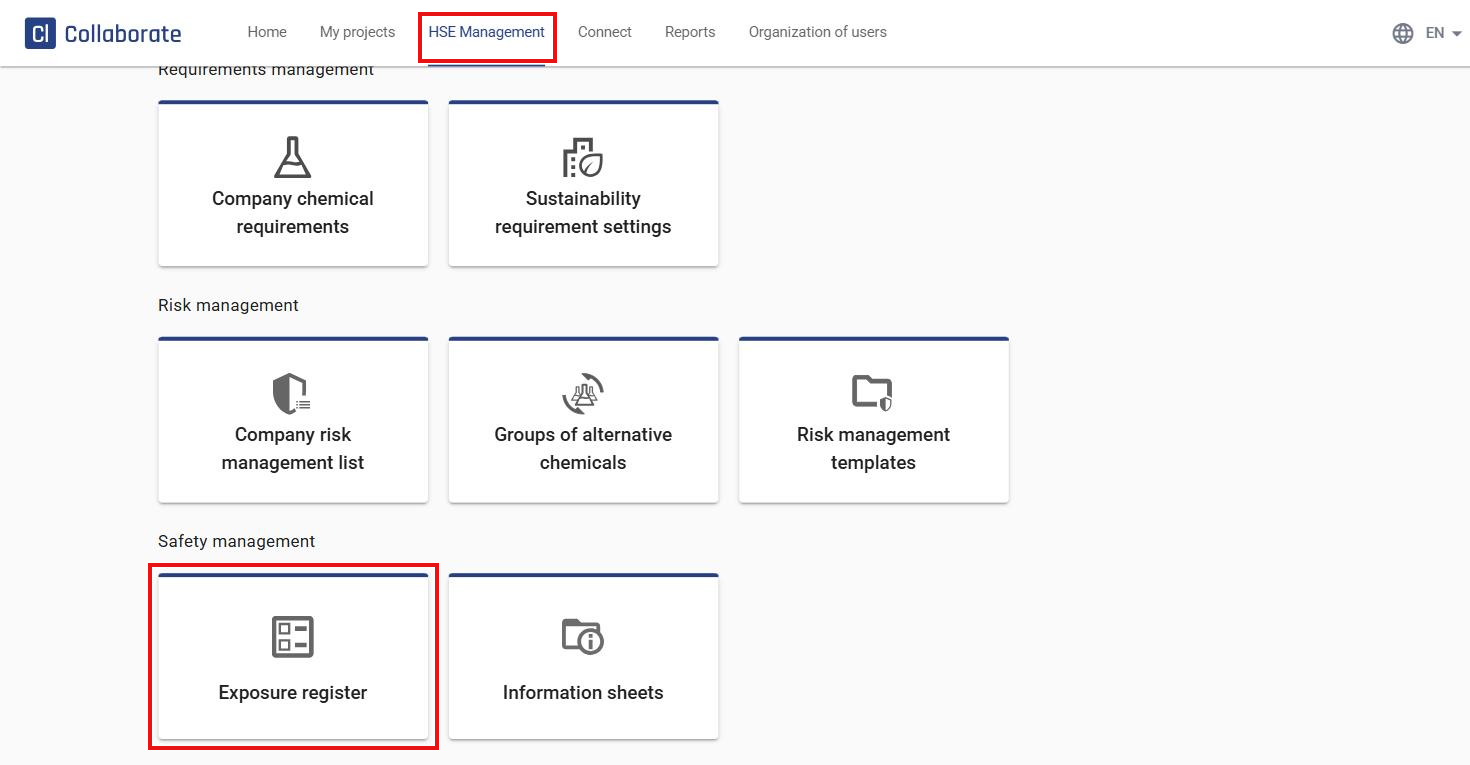
Go to HSE Management in the top menu and select Exposure register under Safety management.
2
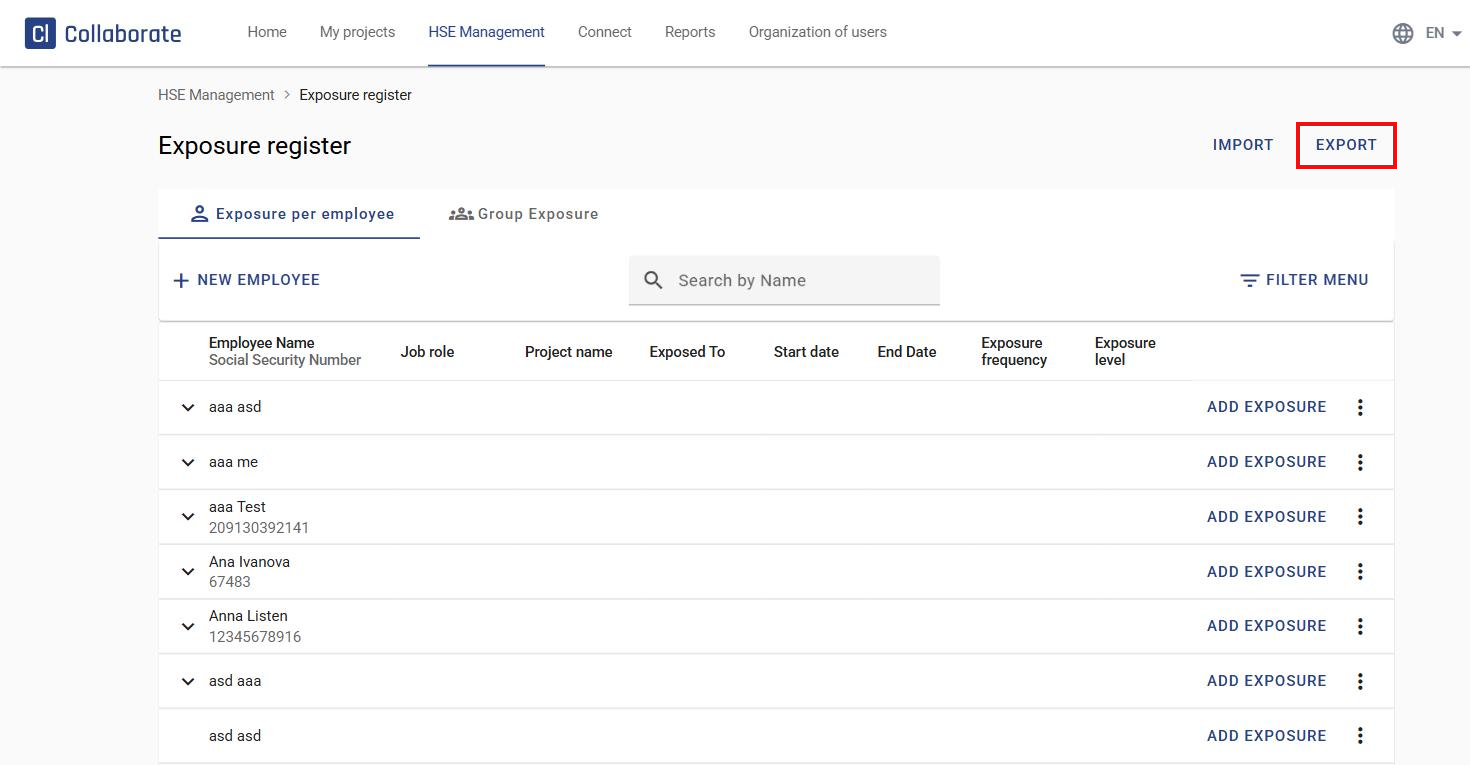
Click Export in the top-right corner of the page. A report of all employees in the Exposure register is downloaded.
Export exposures for one employee
3
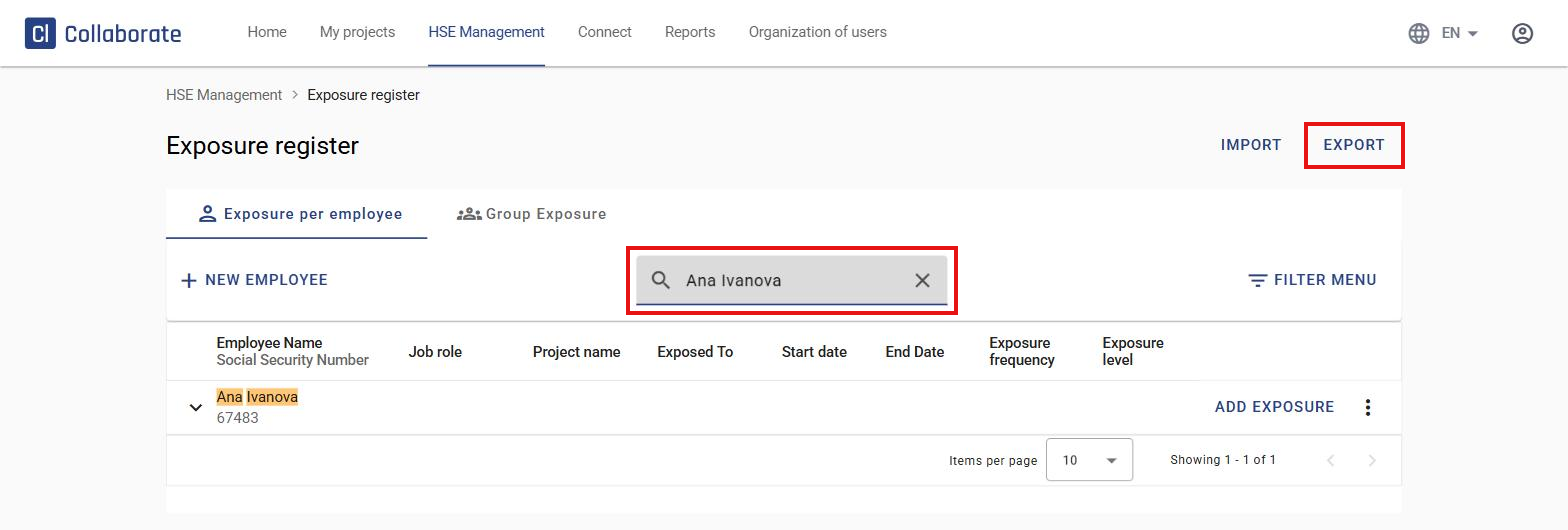
Type the employee’s name in Search by Name so the list shows only that person.
4
Click Export. The downloaded file now contains data only for that employee.