Welcome to Cobuilder Training Portal
In the Cobuilder App, you can invite a subcontractor company directly to a project, with no need to log in to Collaborate in your browser.
Invite a company to the project
1
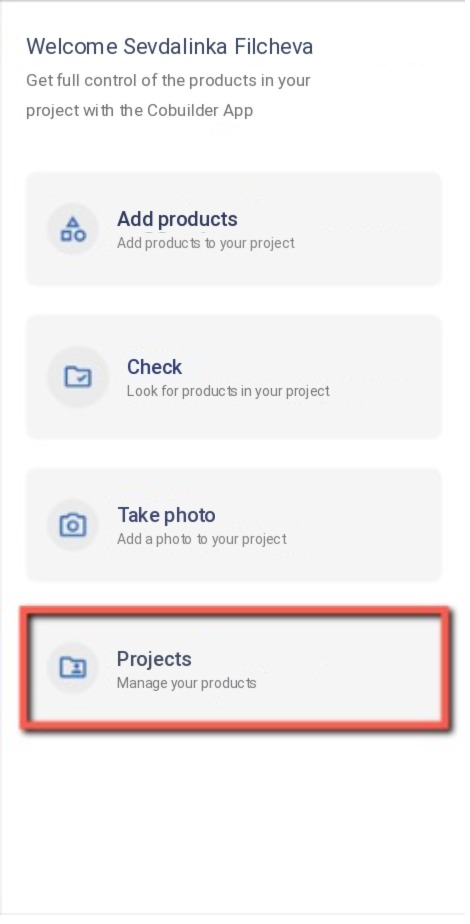
Log in to the Cobuilder App and tap Projects.
2
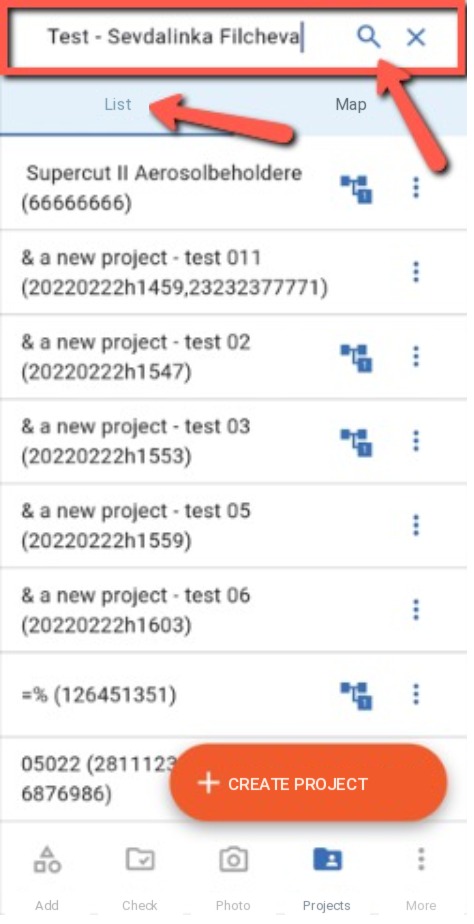
Select the project from the list, or search for it in the search field.
3
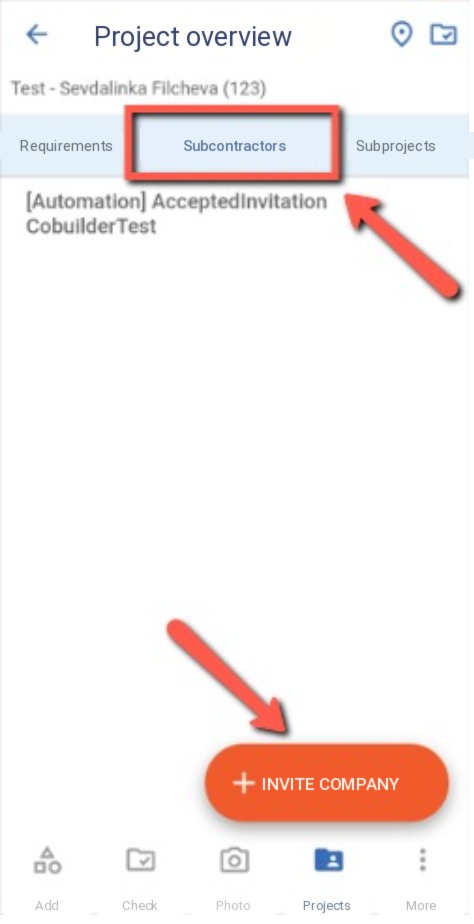
Open the Subcontractors tab and tap Invite company.
4
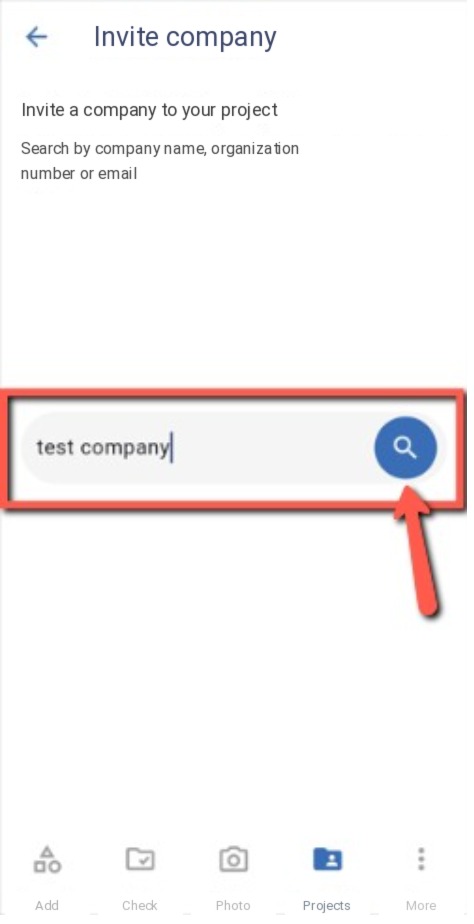
Enter the company name in the search field and tap the magnifying glass to search.
5
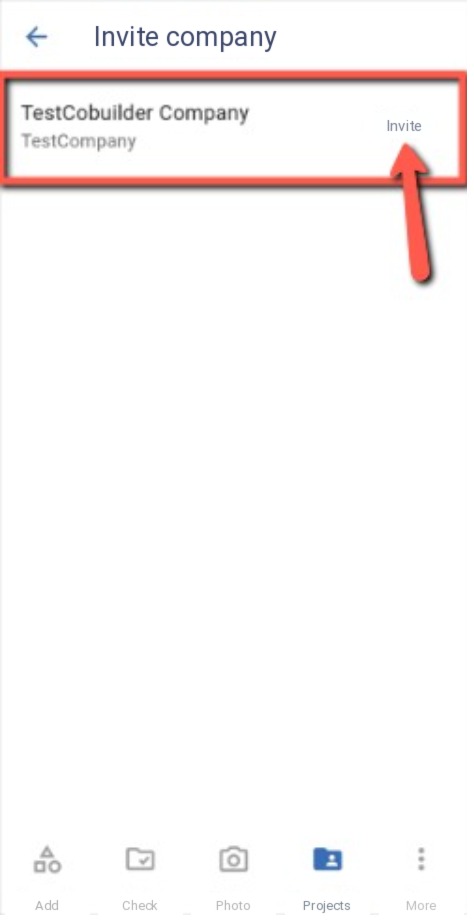
Tap Invite next to the company in the search results.
6
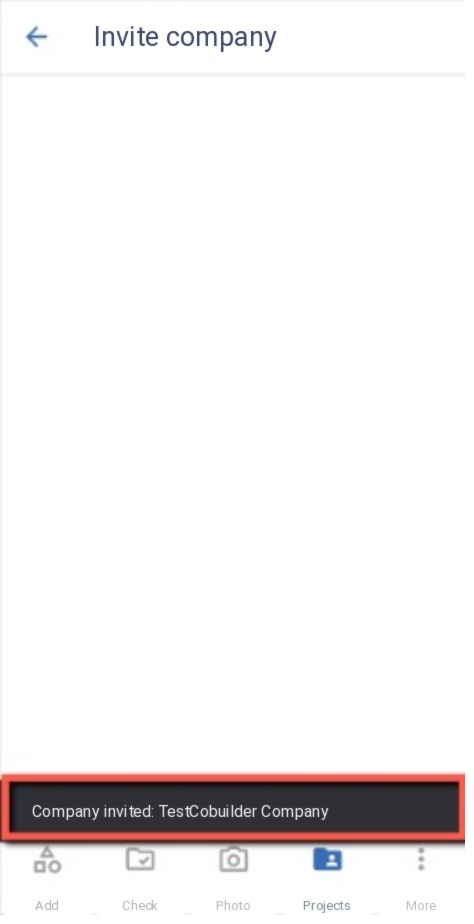
A confirmation appears at the bottom of the screen showing that the company has been invited to the project.