Welcome to Cobuilder Training Portal
Set up sustainability reporting requirements on a project to see which products have the sustainability documentation and data the project needs, as well as the project’s total greenhouse gas emissions.
Set up sustainability reporting requirements
1
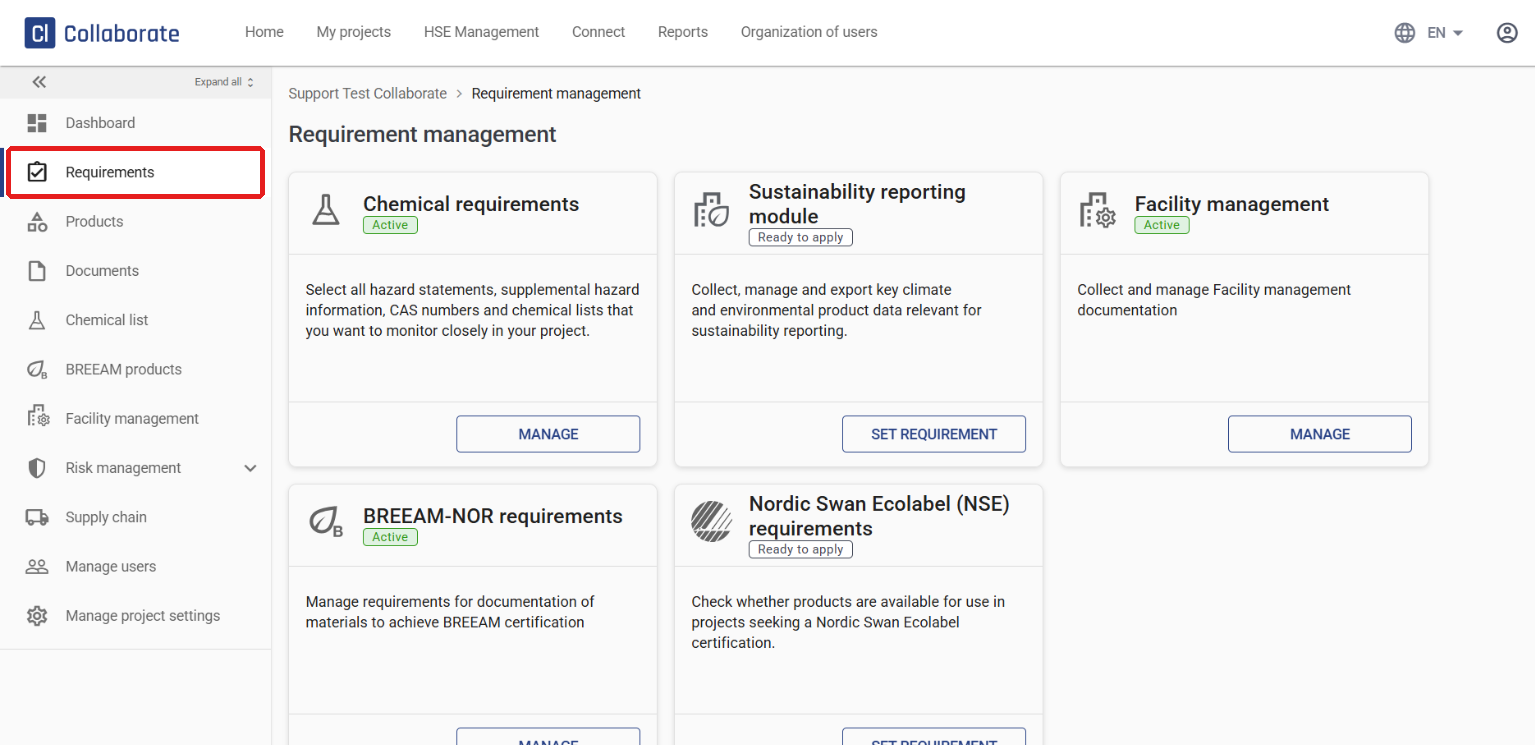
Go to the project and click Requirements in the left-hand menu.
2
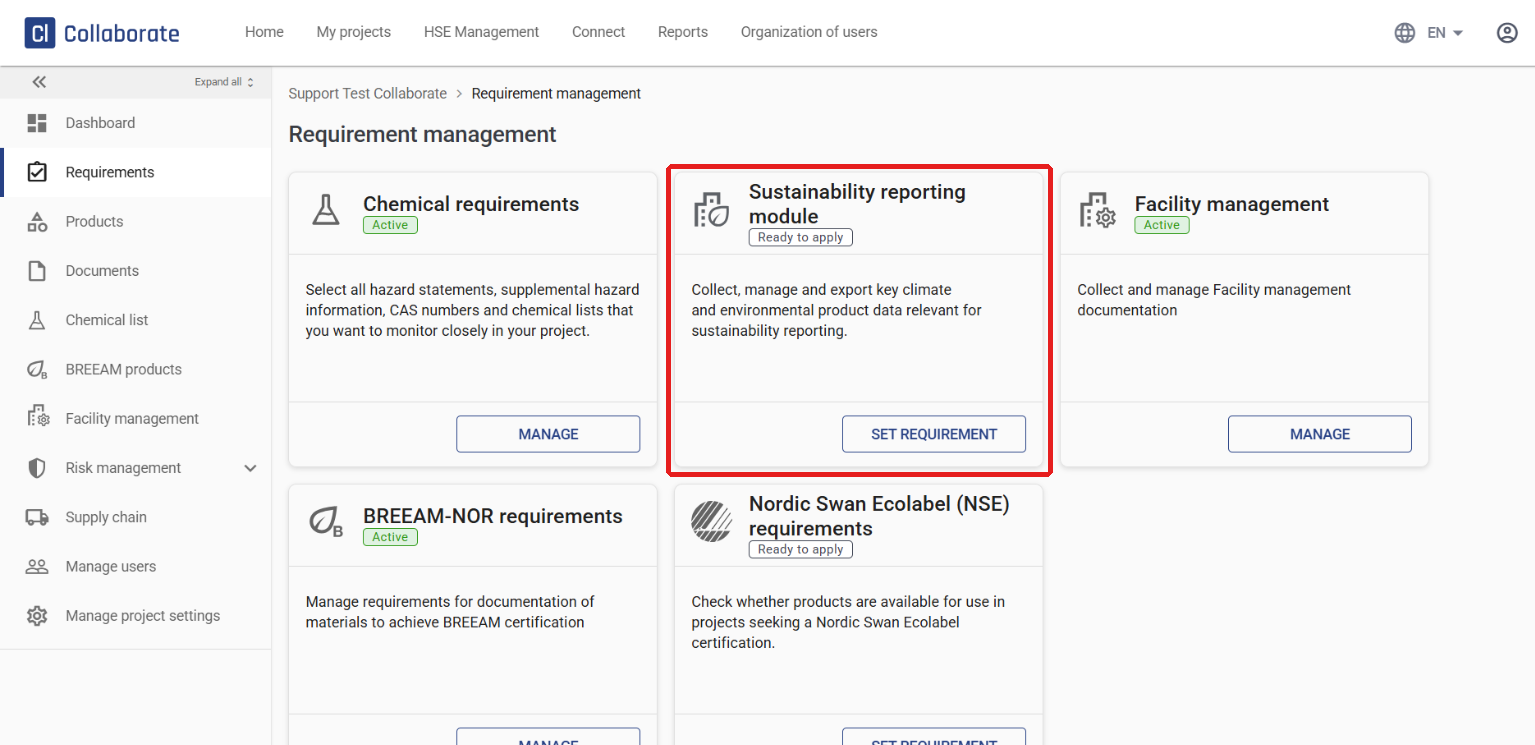
On the Sustainability reporting module card, click Set requirement.
3
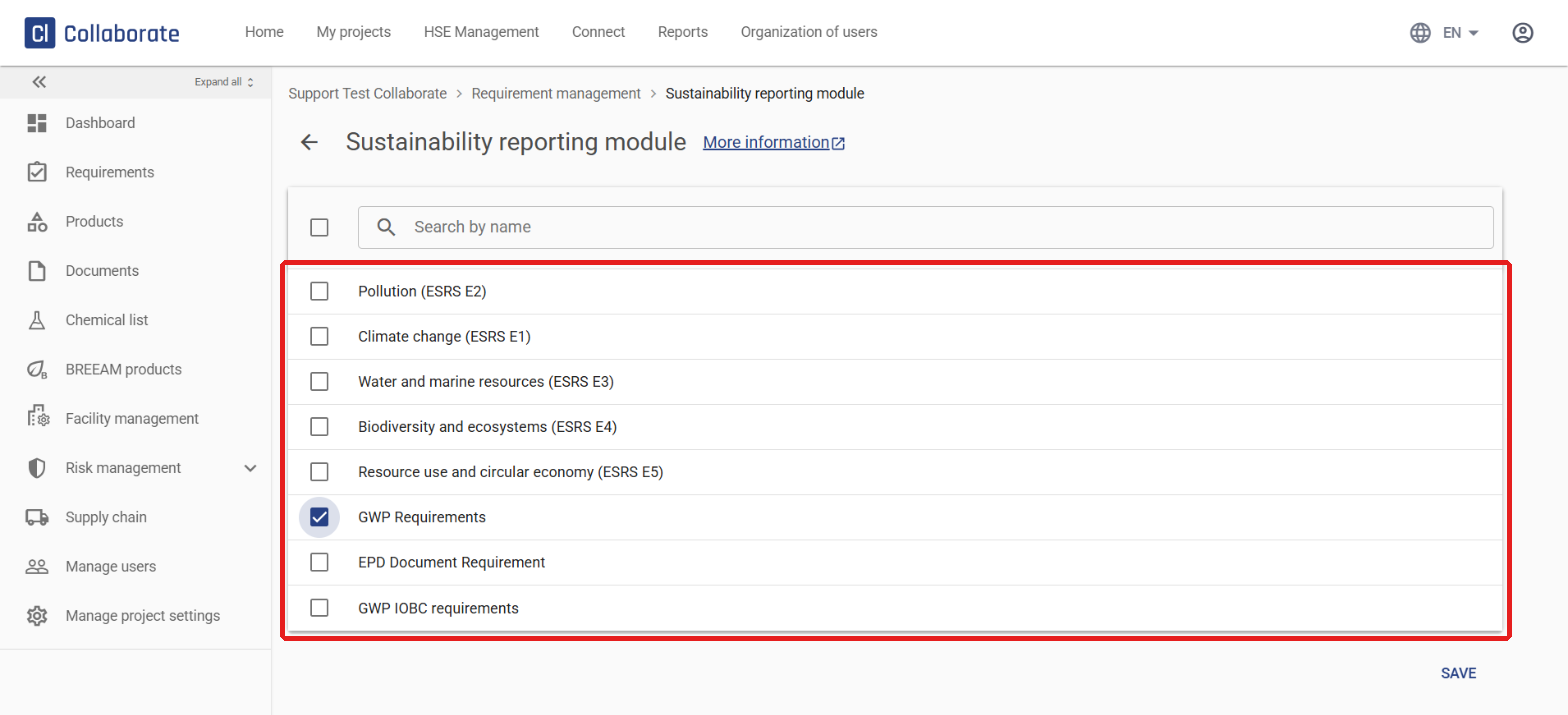
Select the parts of the ESRS standards (E1–E5) that match the project’s needs. You can also choose one of three simplified setups:
- GWP Requirements – checks only CO₂-related data (GWP) and that an EPD document has been provided.
- EPD Document Requirement – checks only that an EPD document has been provided.
- GWP IOBC requirements – the same as GWP Requirements, but also includes biogenic carbon data.
With the simplified setups, a deviation is only triggered if that specific data or documentation is missing. No deviations are generated for other environmental information.
4
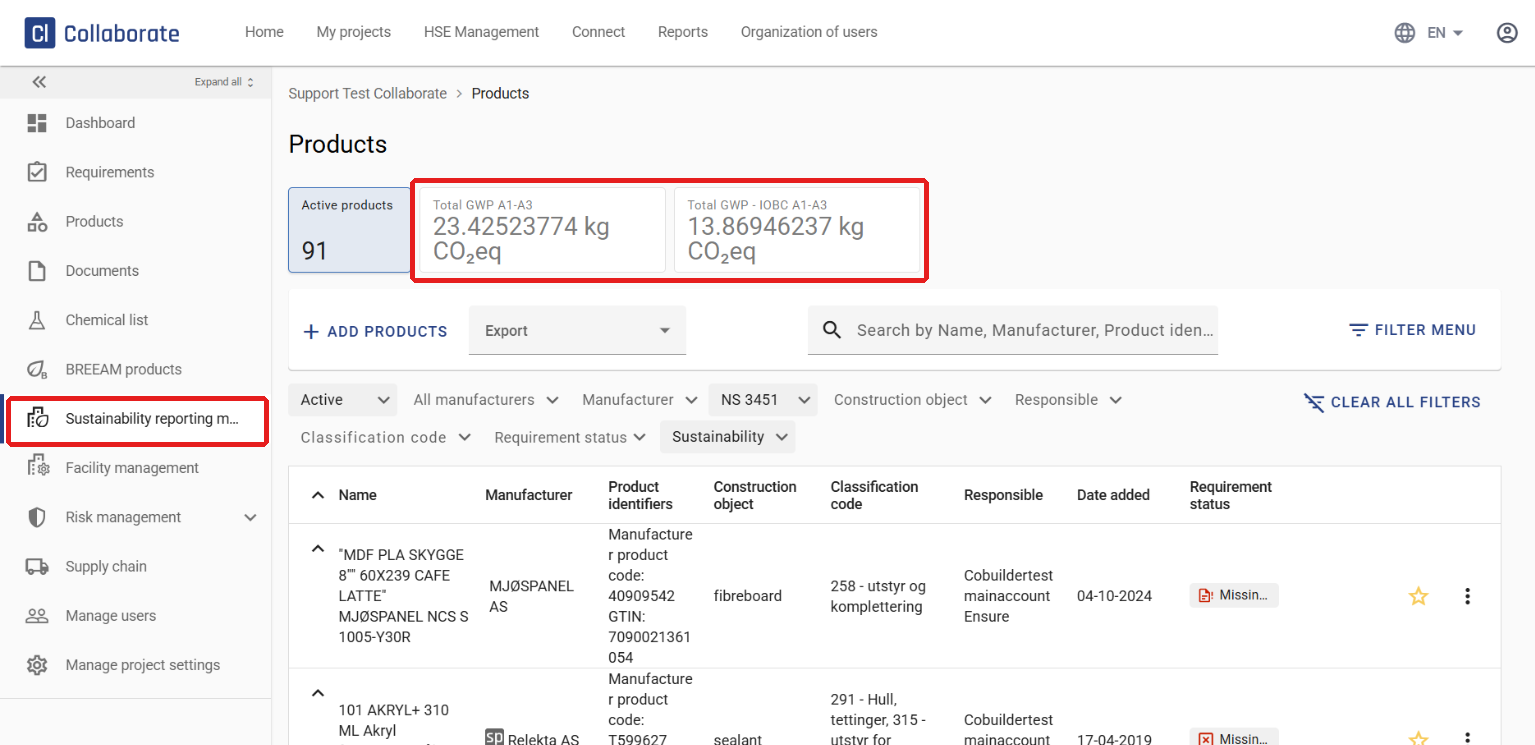
Click Save. Once saved, a new item, Sustainability reporting module, appears in the left-hand menu. Here you’ll find all products relevant to sustainability reporting.