Welcome to Cobuilder Training Portal
The GWP dashboard gives you a complete overview of the GWP status of all your products. It shows the status of the global warming potential (GWP) requirements, so you can easily follow up your products against them.
How to find the GWP dashboard
1
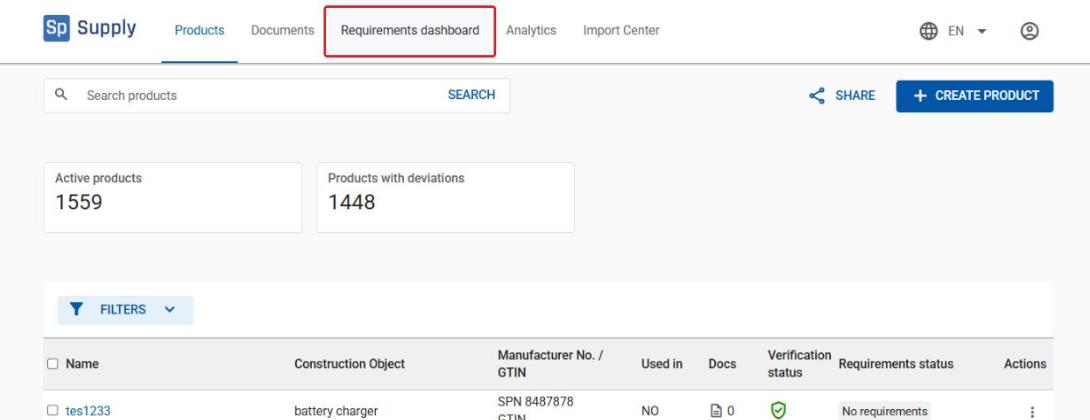
Open Cobuilder Supply and click the Requirements dashboard tab in the top menu.
2
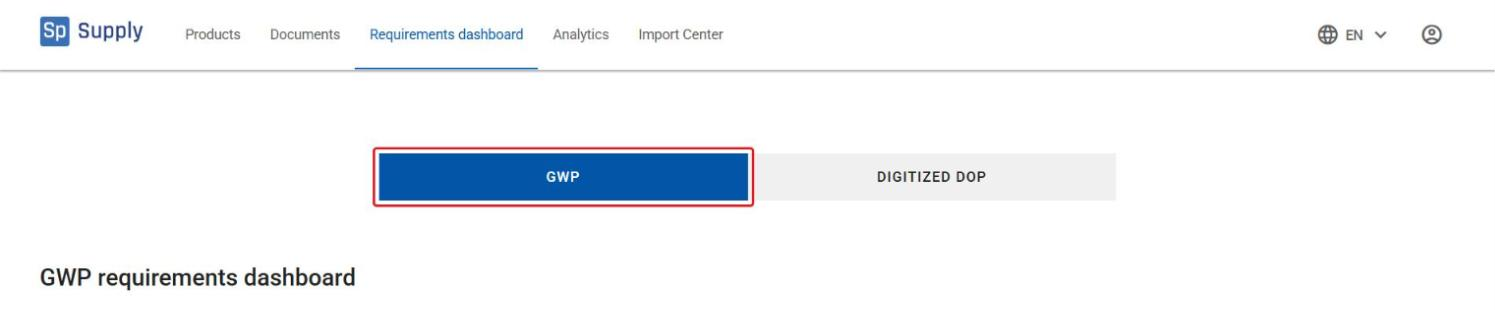
Select the GWP tab to open the GWP dashboard.
Overall status and product requirements
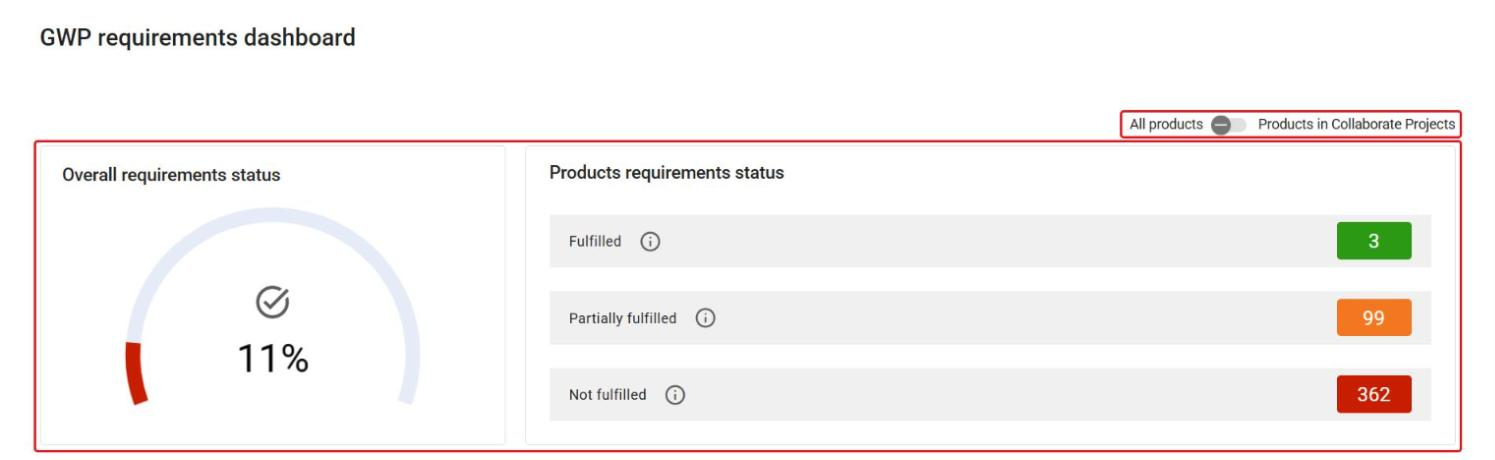
At the top of the dashboard, Overall requirements status shows how far your products meet the GWP requirements, and Products requirements status shows how many products are Fulfilled, Partially fulfilled and Not fulfilled. Use the switch to view either All products or only Products in Collaborate Projects.
Provide GWP requirements data
You can fill in missing GWP property values manually, or ask us to help you import the values with the Contact us to assist you button.
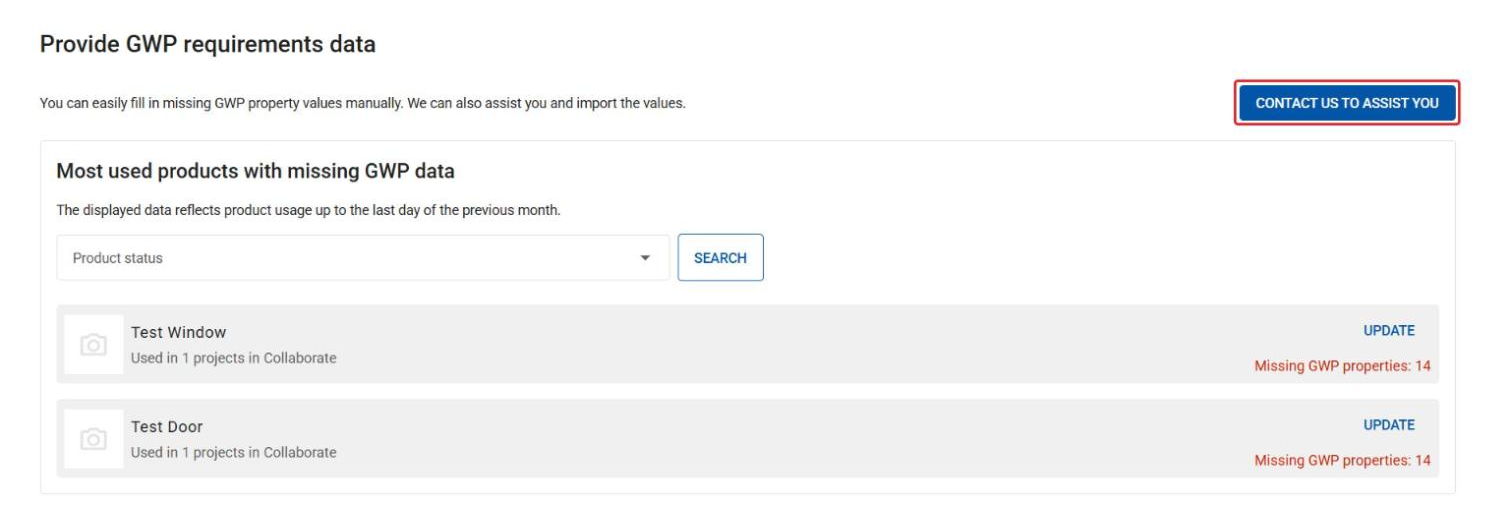
Most used products with missing GWP data
1
This section shows your most used products that are missing GWP data. Filter by Product status to narrow down the list.
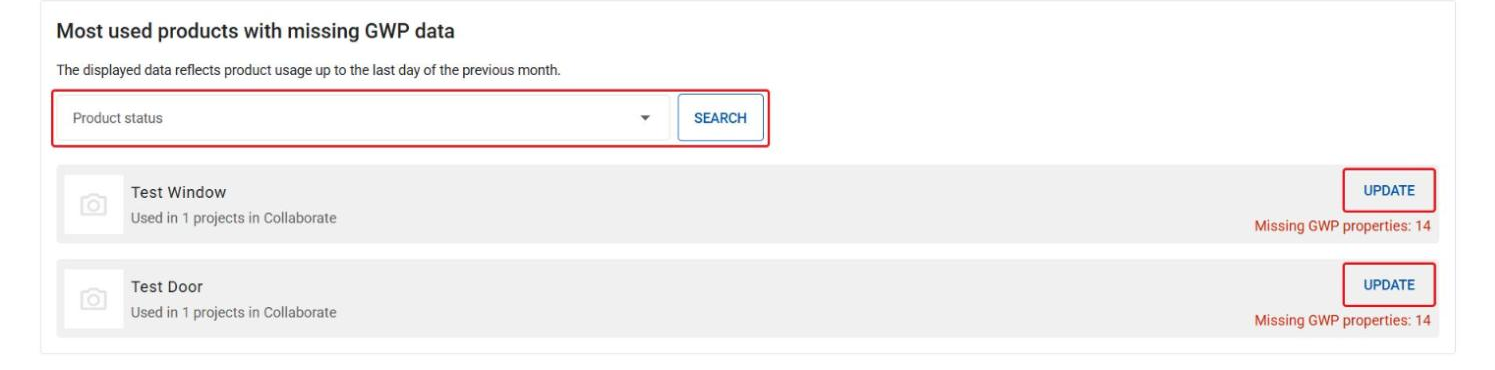
2
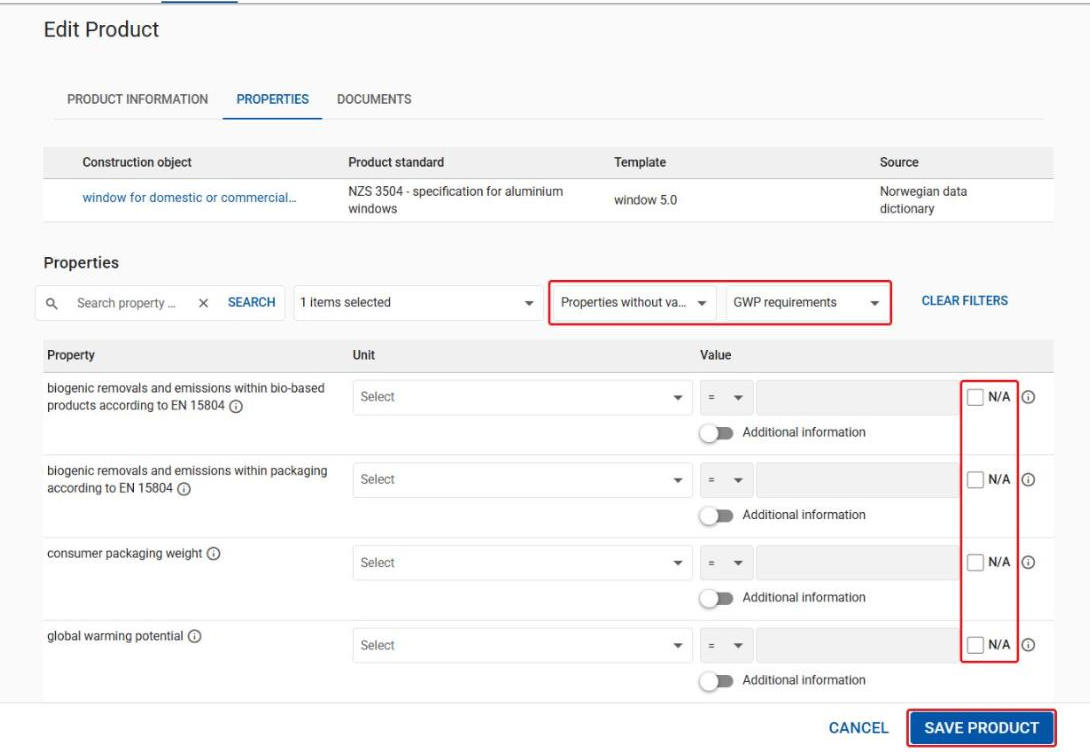
Click Update next to a product to go straight to the product’s properties, filtered to the GWP requirements that are missing a value. The product opens in a new tab. If a value isn’t relevant for the product, tick N/A. Click Save product when you’re done.