Welcome to Cobuilder Training Portal
Upload documents
1
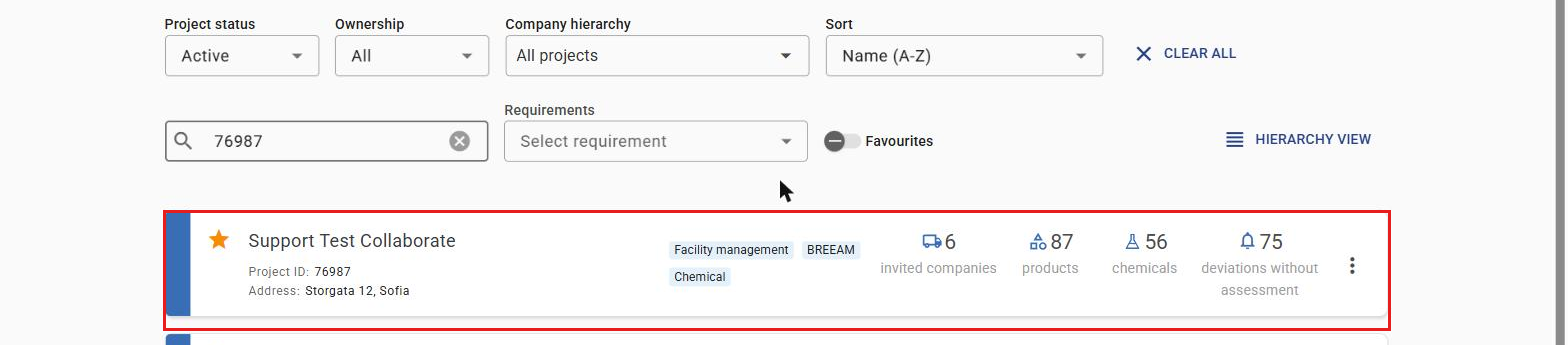
Open the project you want.
2
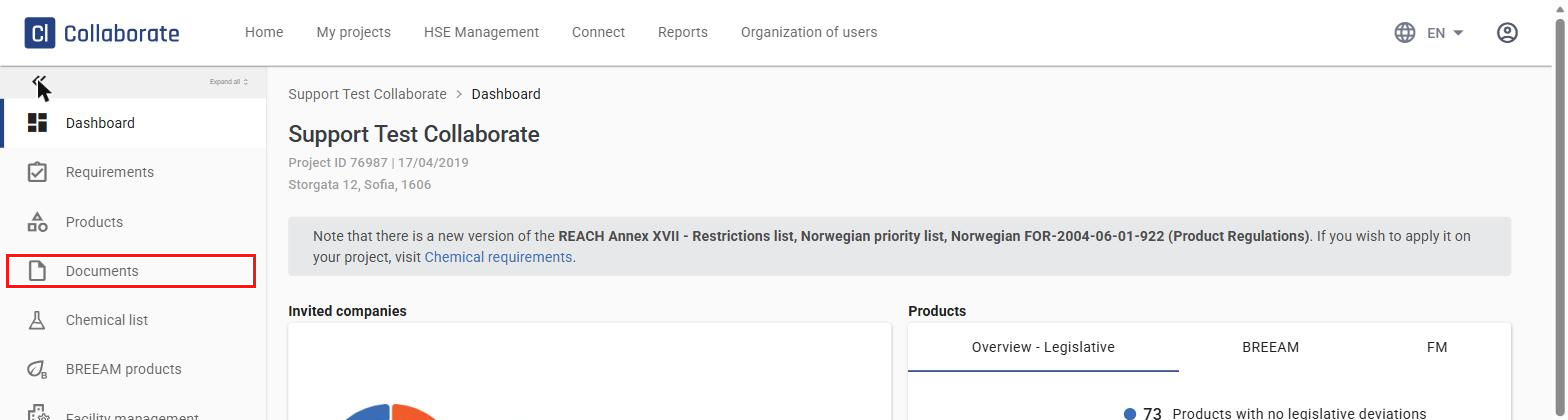
Select Documents from the menu on the left.
3
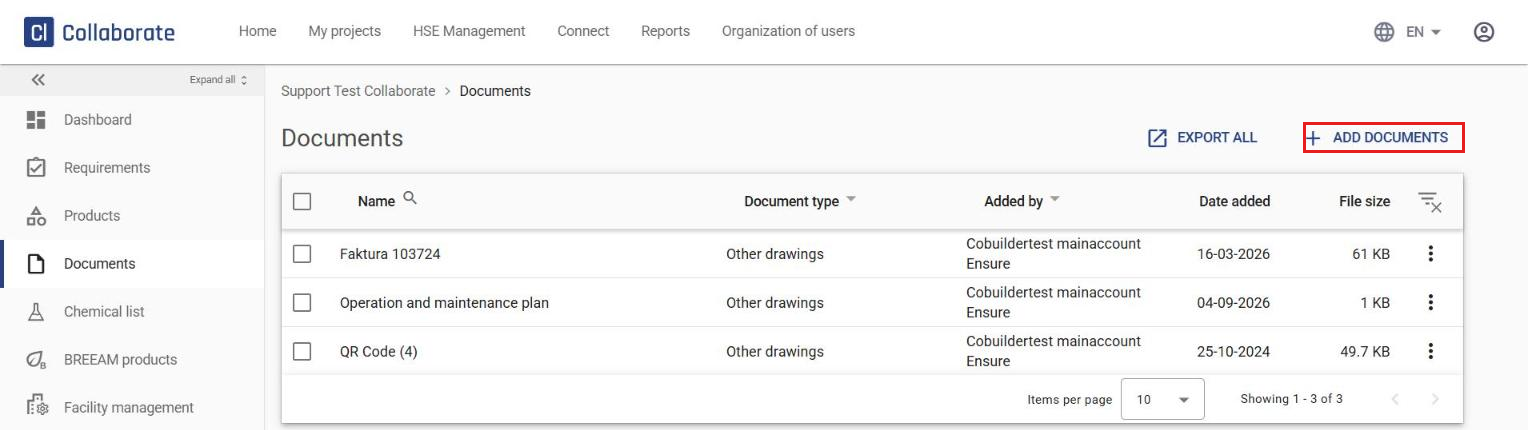
Click Add documents to upload a document.
4
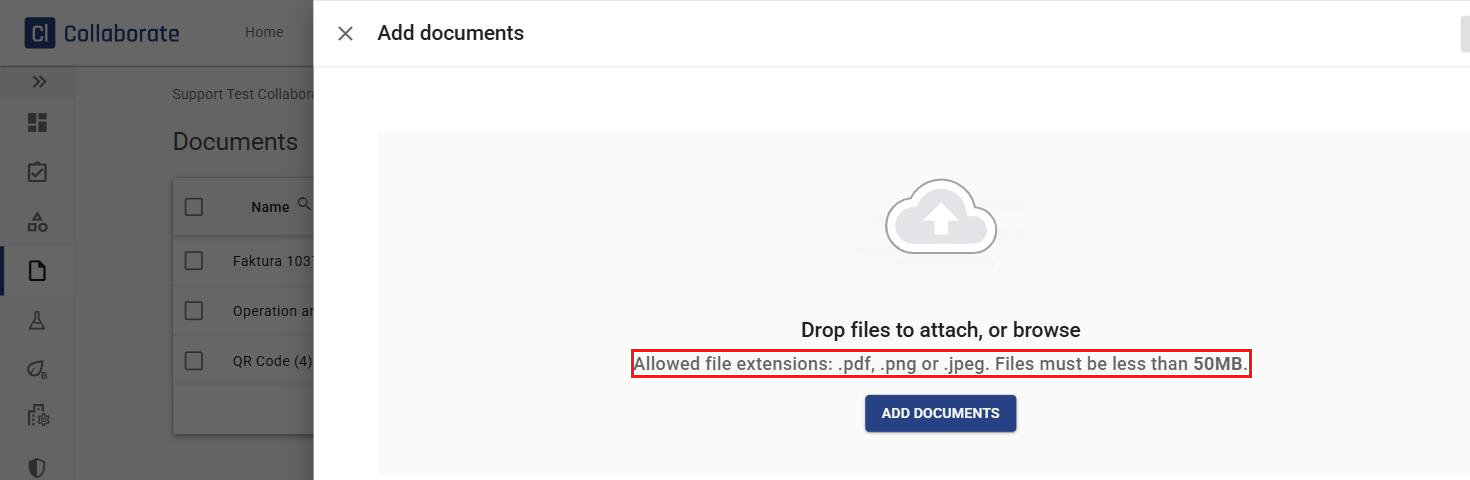
Drag and drop the files into the upload window, or click Add documents to browse for files on your computer. You can upload up to 10 files at a time. Valid file formats are .pdf, .png, and .jpeg, with a maximum file size of 50 MB per file.
5
Select the document type from the dropdown menu — use the search field to find the right type — and change the document name if needed. Then click Upload.

6
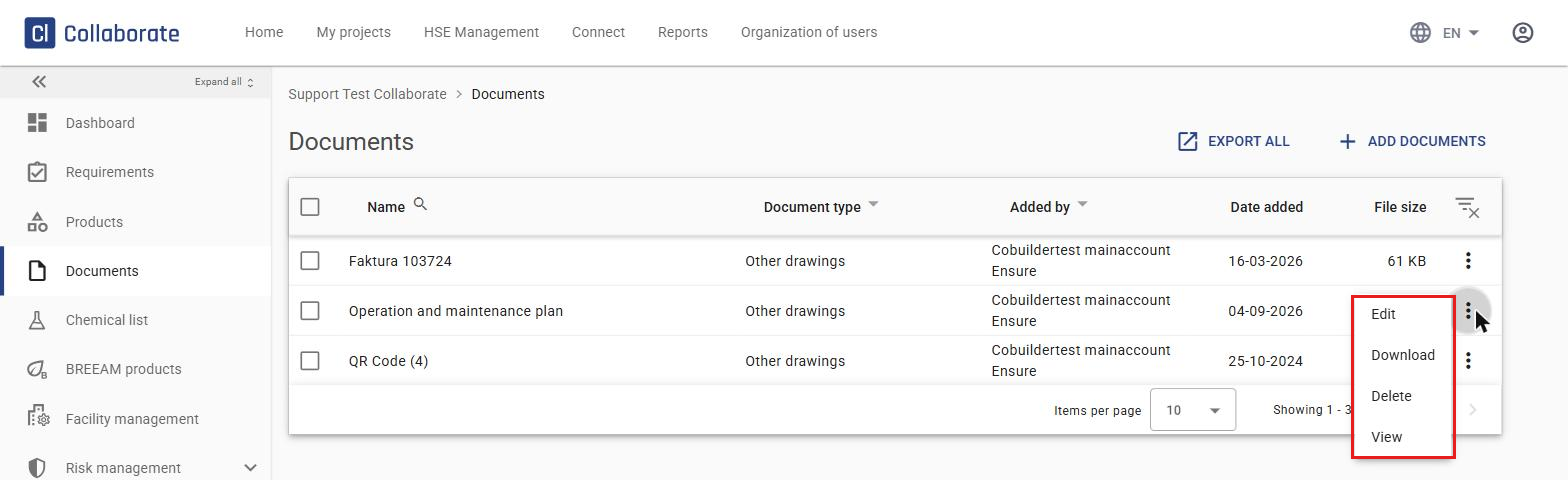
In the document list, you can edit, download, delete, or view documents using the ⋮ menu on each document.
Export FM documentation
7
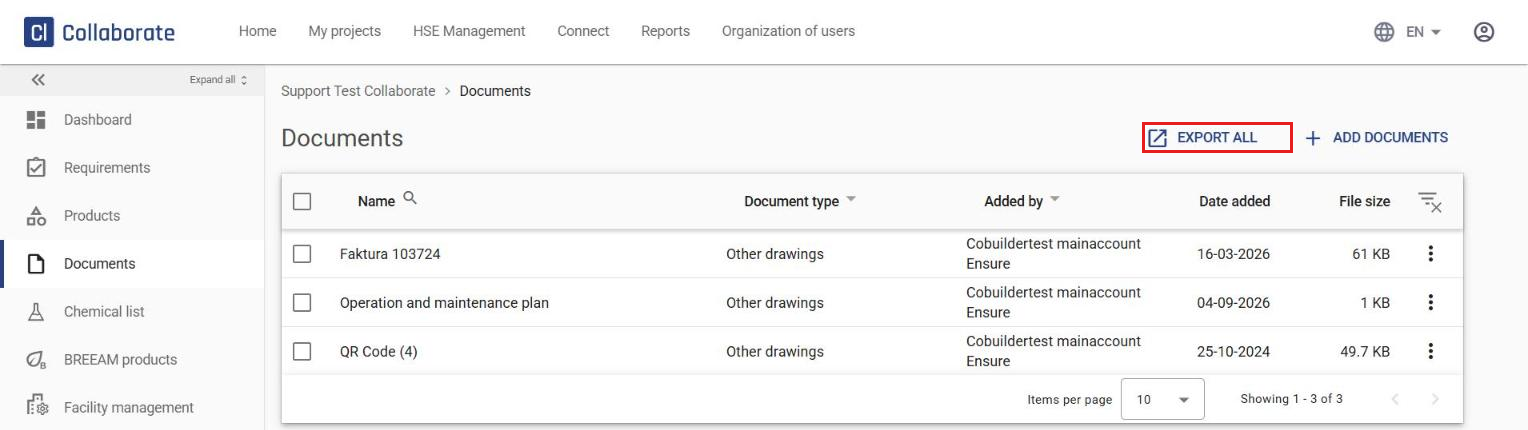
Click Export all to generate an export of the FM documentation.
8
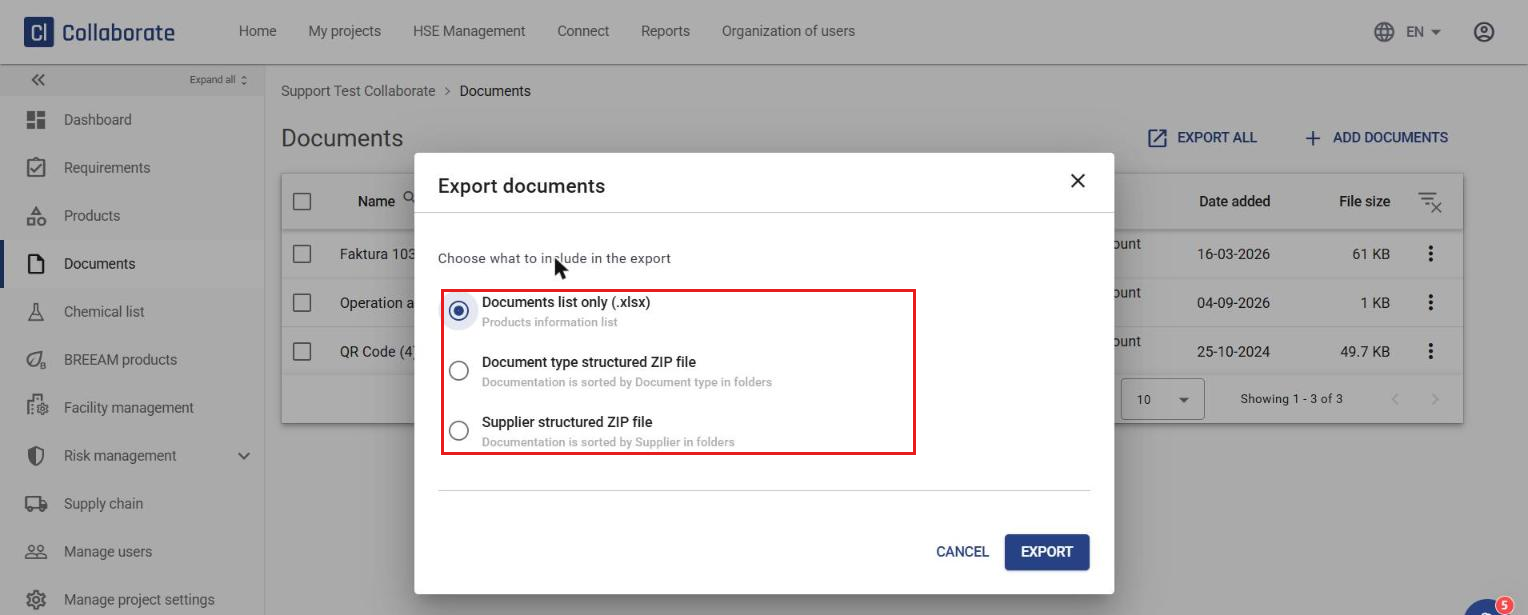
Choose what the export file should include: a document list only (.xlsx), or a structured ZIP file sorted by document type or by supplier. Click Export.