Welcome to Cobuilder Training Portal
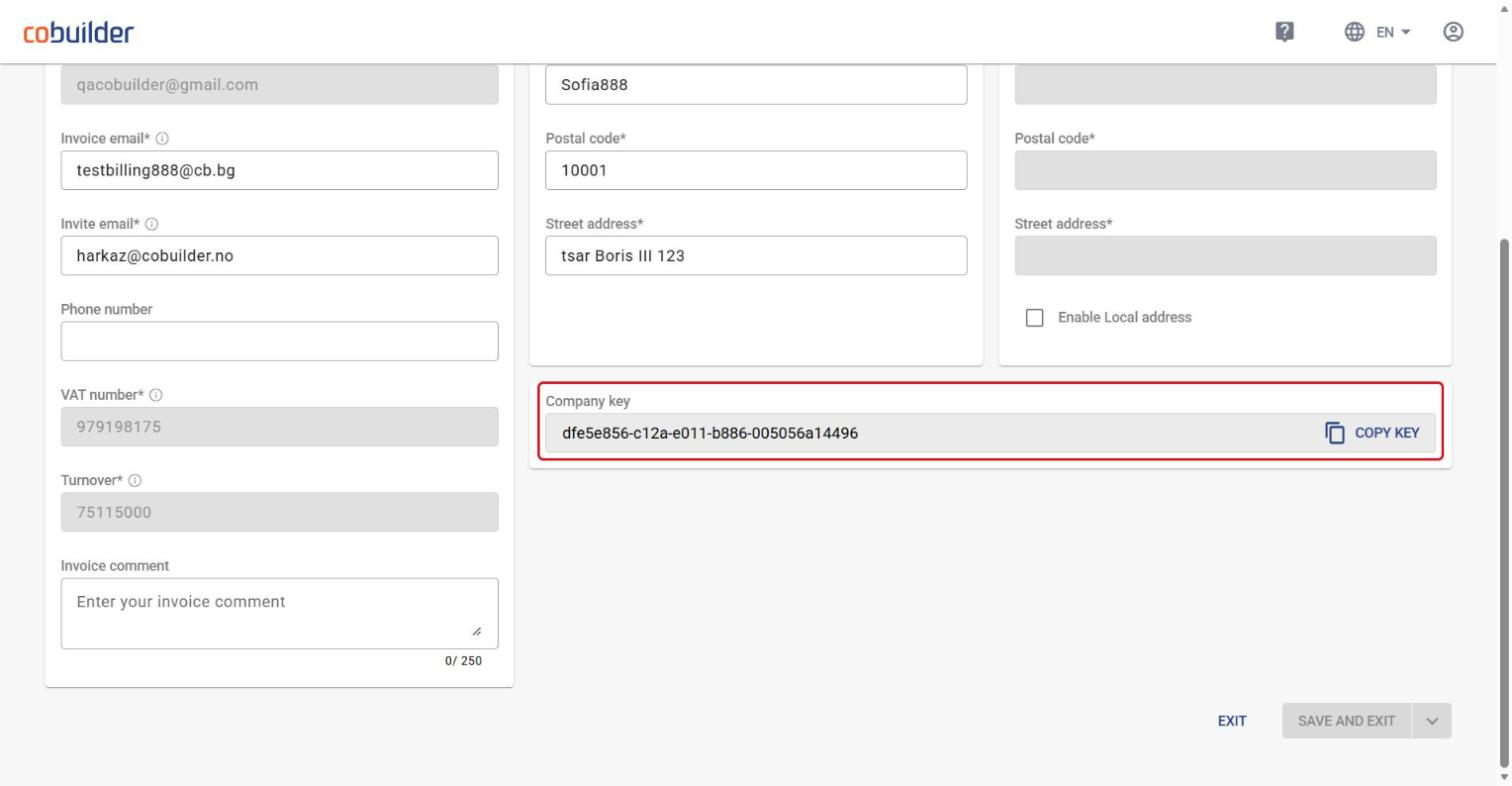
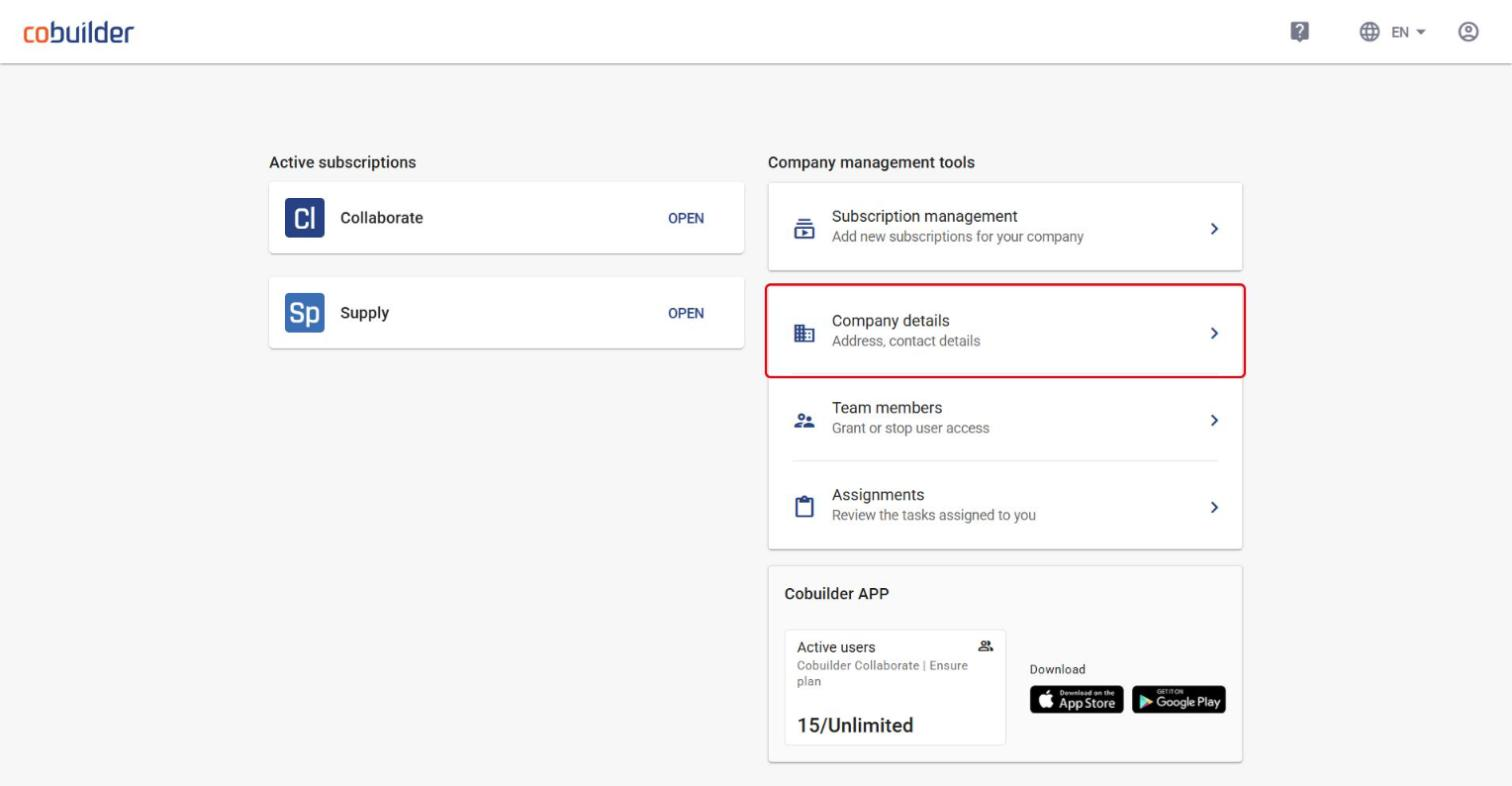
The company key is the unique ID for your company’s account in Cobuilder. You can find and copy it in Company details, one of the company management tools on the platform home page.
Find and copy your company key
1
Log in to the Cobuilder platform. On the home page, click Company details under Company management tools.
2
Scroll down to Company key at the bottom of the page and click Copy key.