Welcome to Cobuilder Training Portal
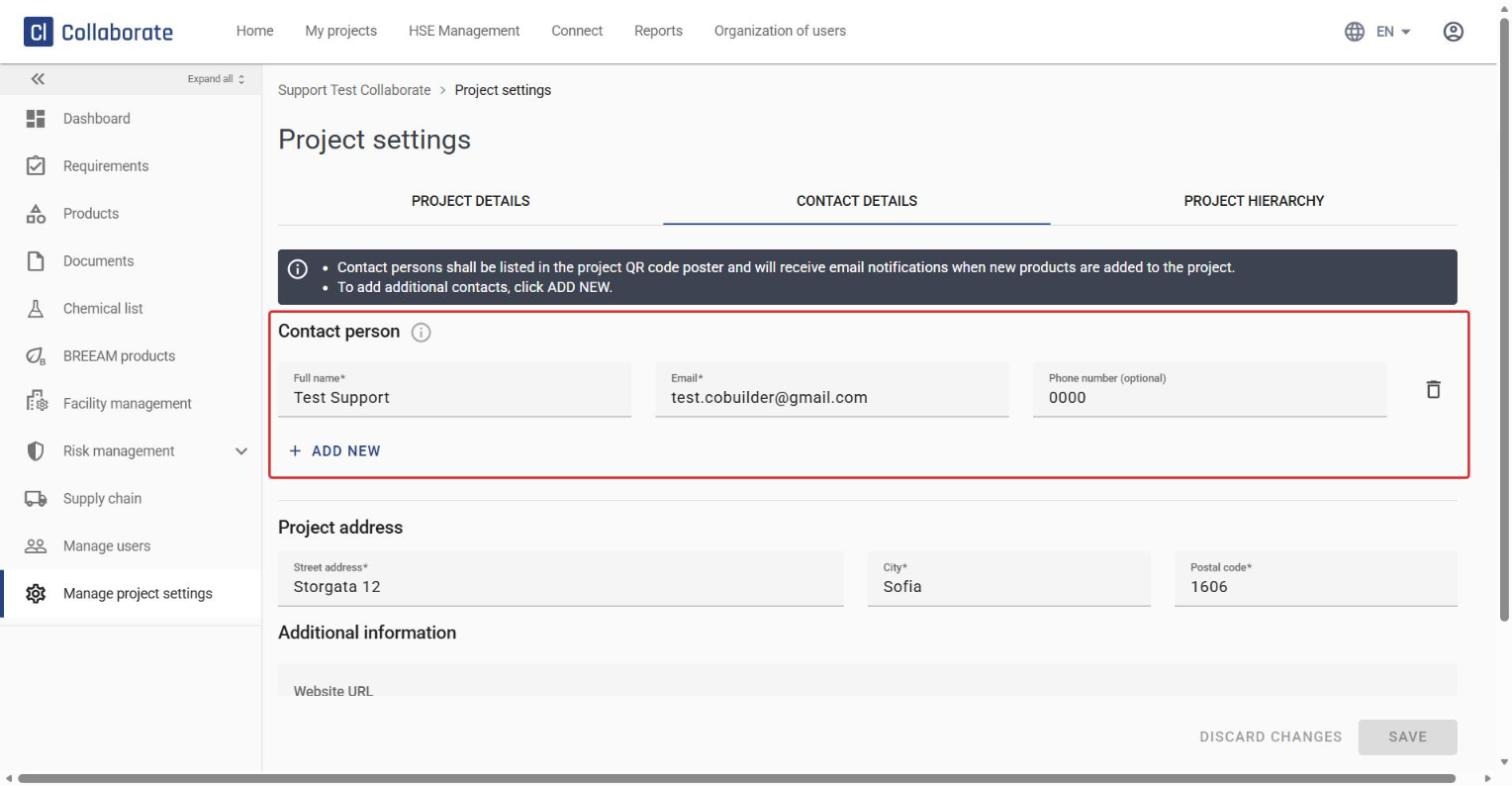
Add the people responsible for product information in the project as contact persons. They appear on the project’s QR code poster in the Chemical list and get an email notification when new products are added.
Contact persons don’t get access to the project automatically. To log in and work in the project, they also need to be added as users.
Manage contact persons
1
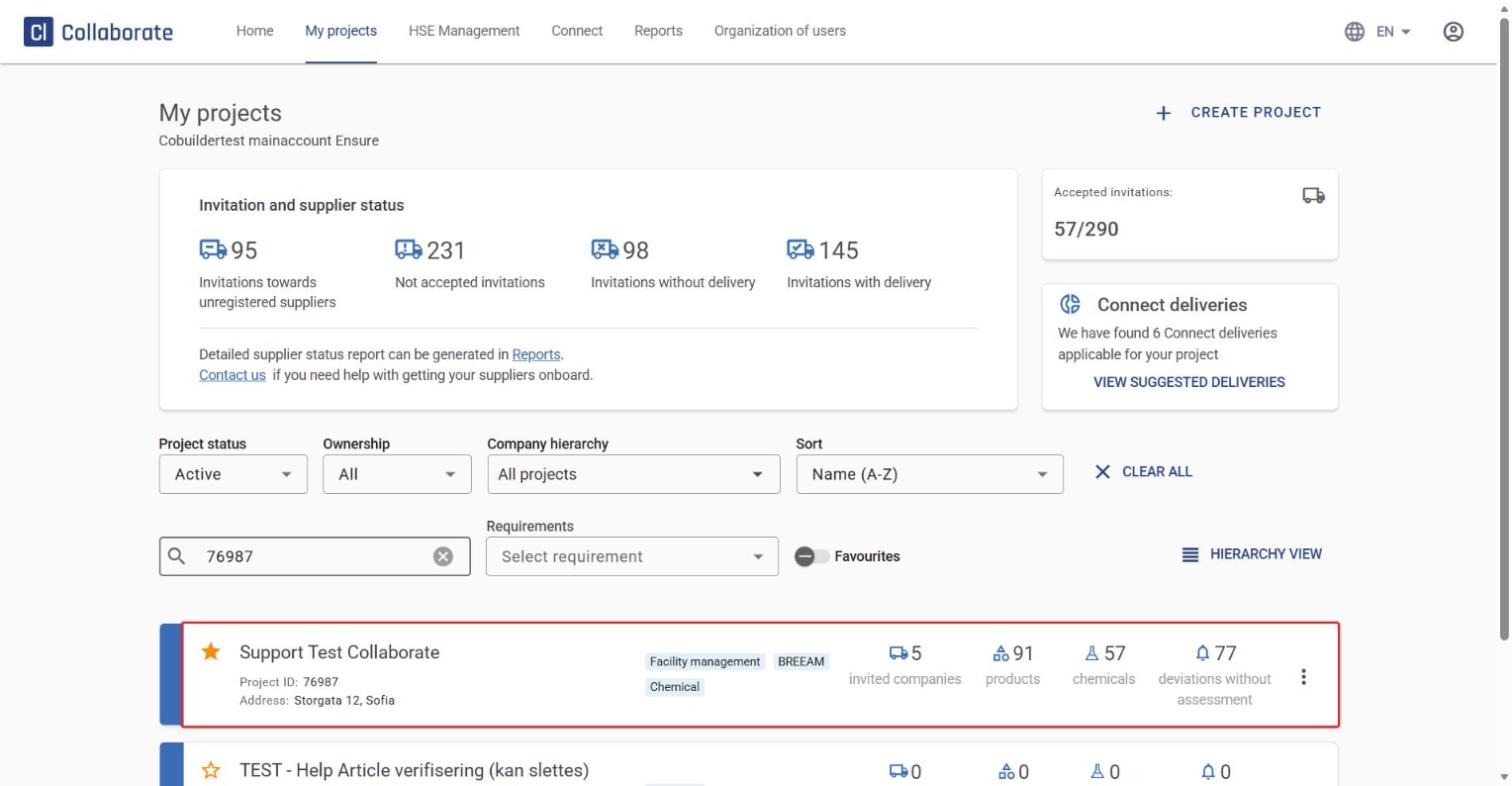
Go to My projects, find the project you want to manage, and click it.
2
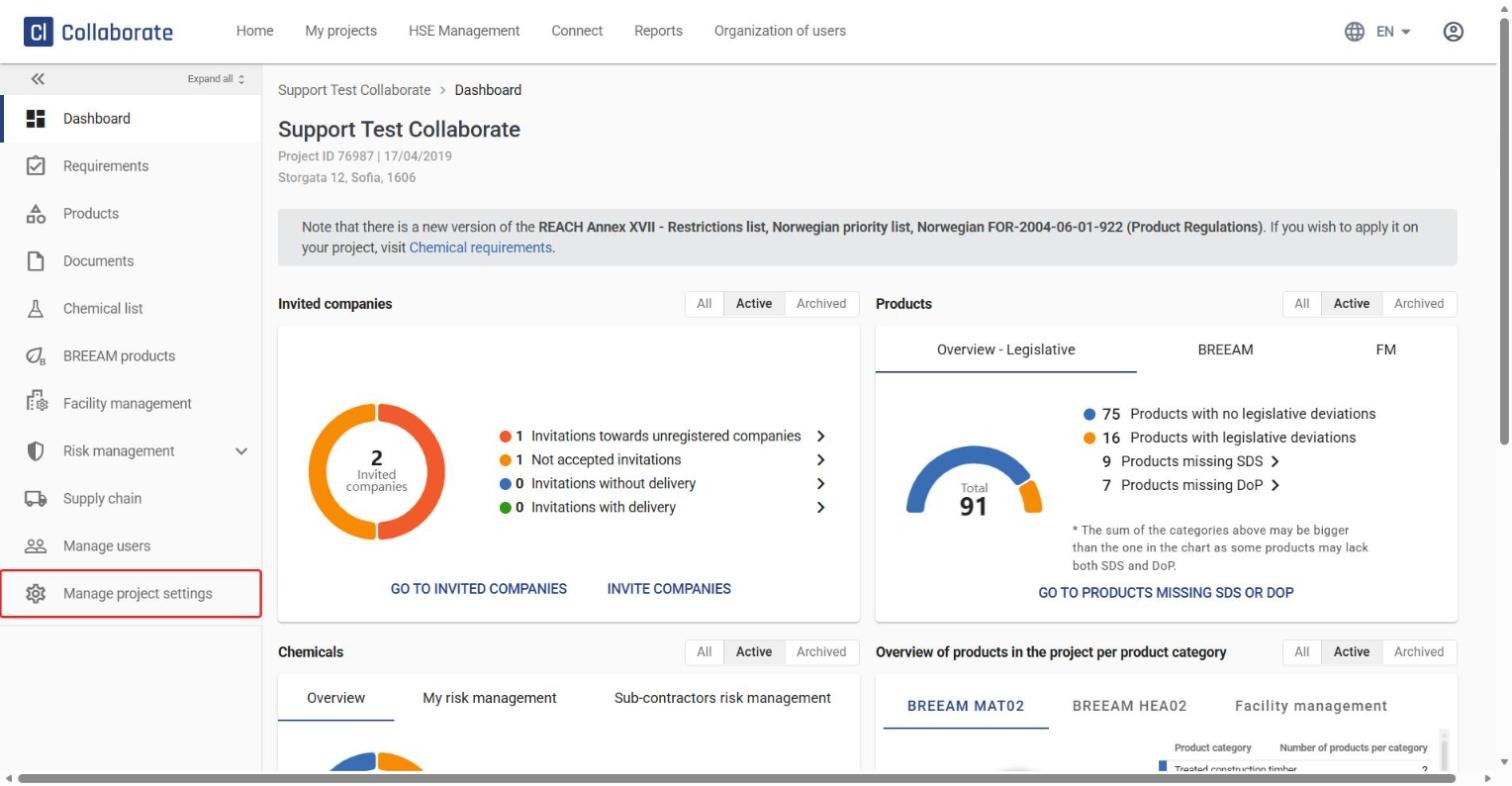
In the left menu, click Manage project settings.
3
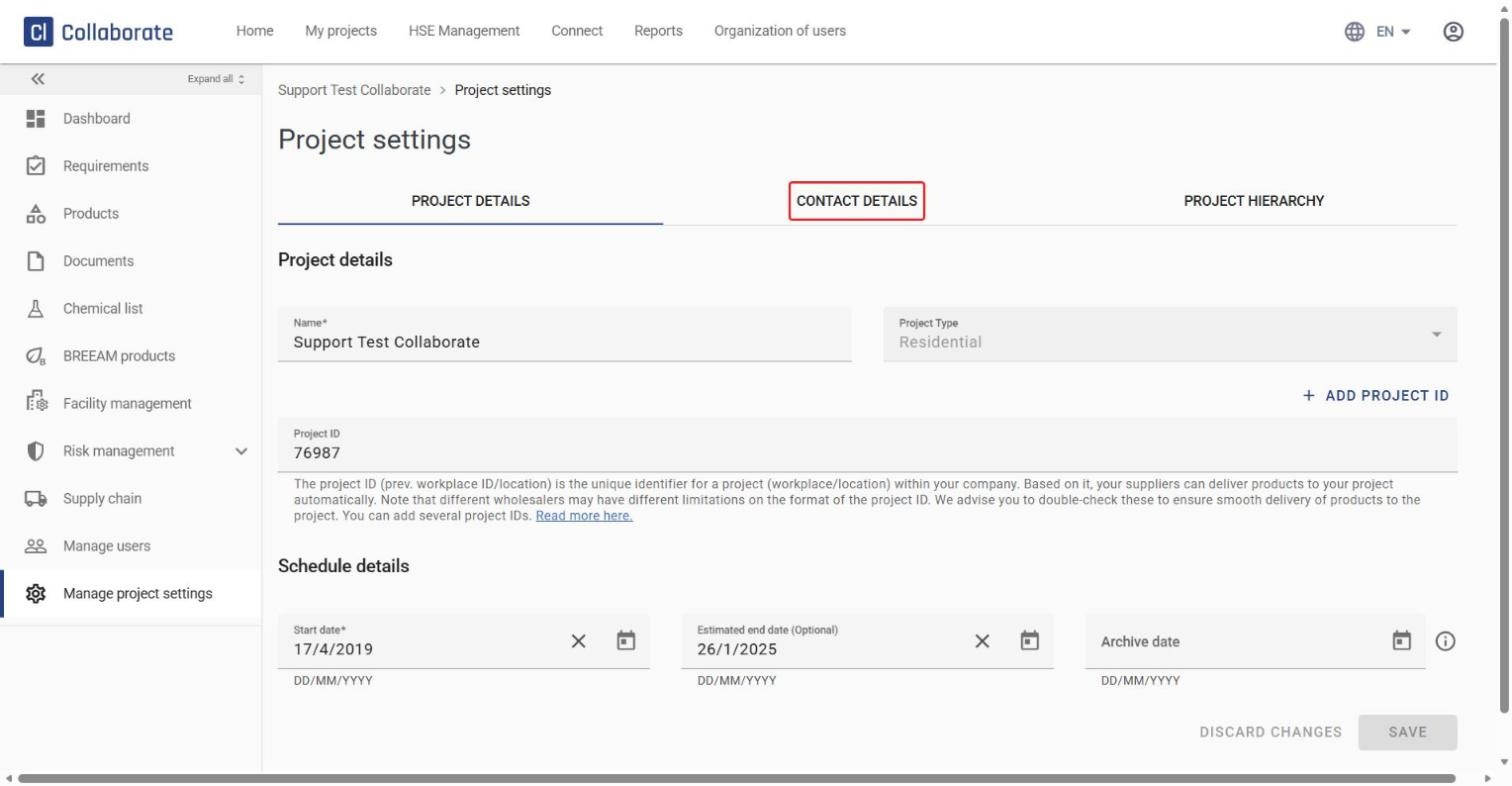
Open the Contact details tab.
4
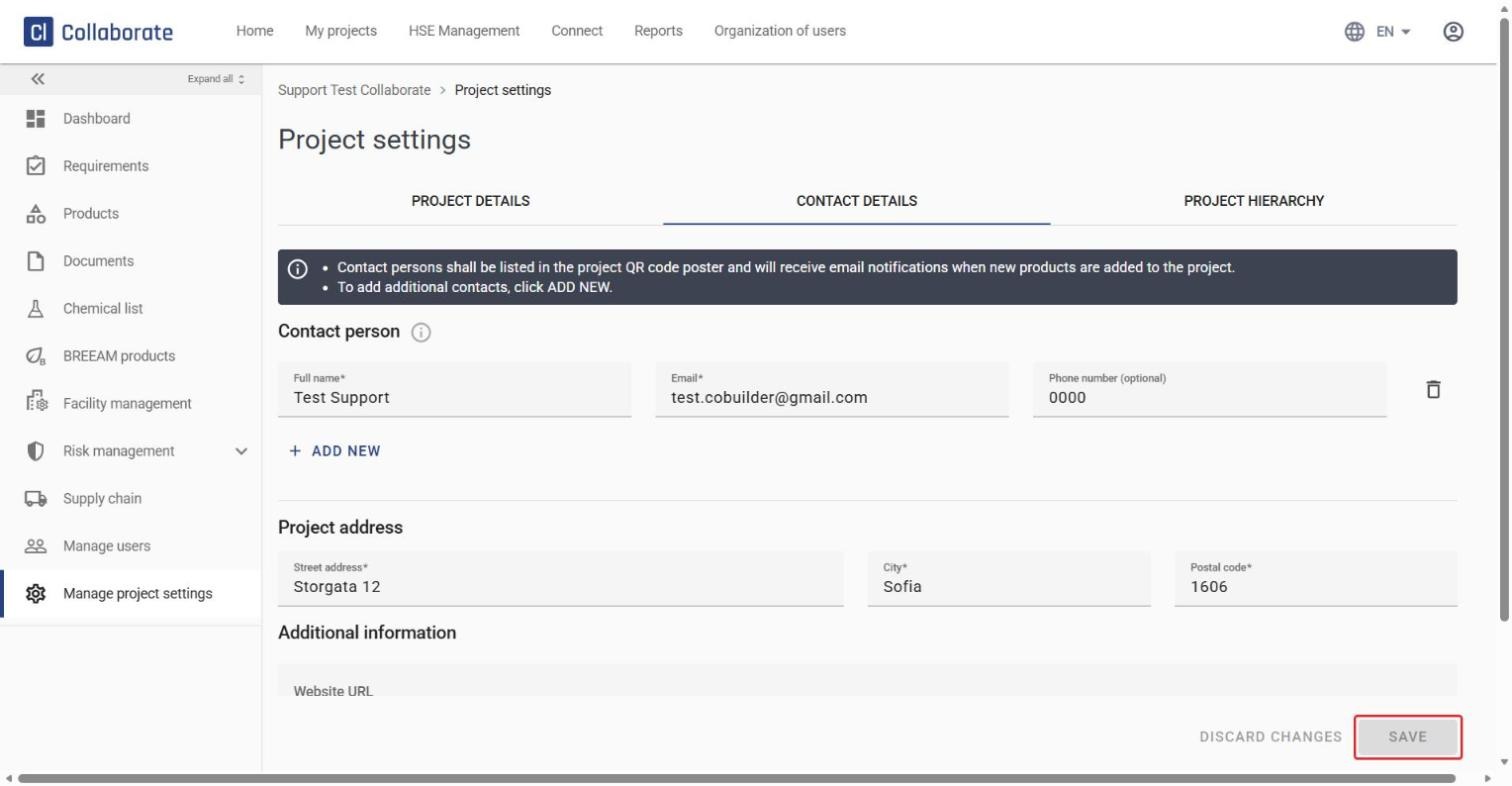
Edit the existing contact persons, remove one with the trash can icon, or click ADD NEW to add more.
5
Click Save when you’re done.