
Welcome to Cobuilder Training Portal
To use Cobuilder Supply, you log in through the Cobuilder platform. This article shows you how to log in, open Cobuilder Supply and reset your password if you have forgotten it.
How to log in
1
Go to platform.cobuilder.com.
2
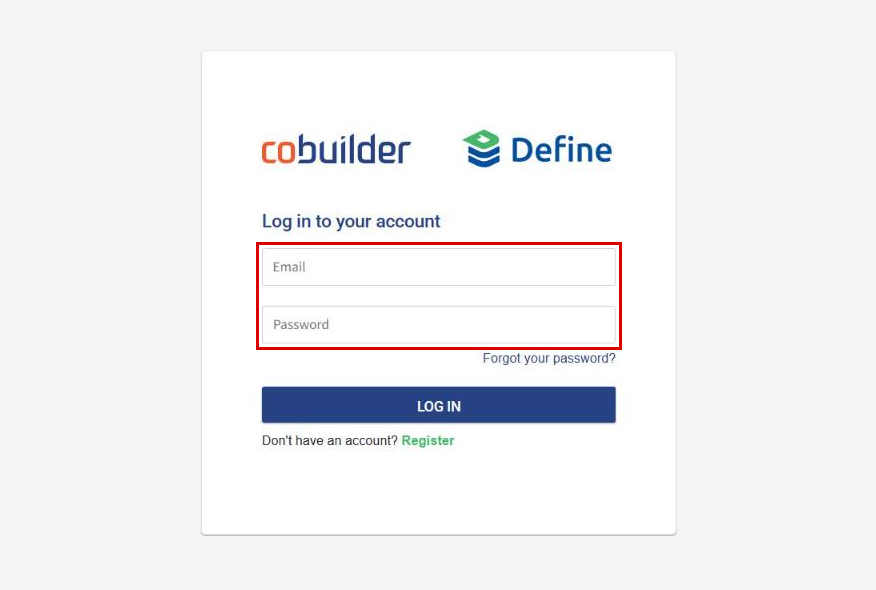
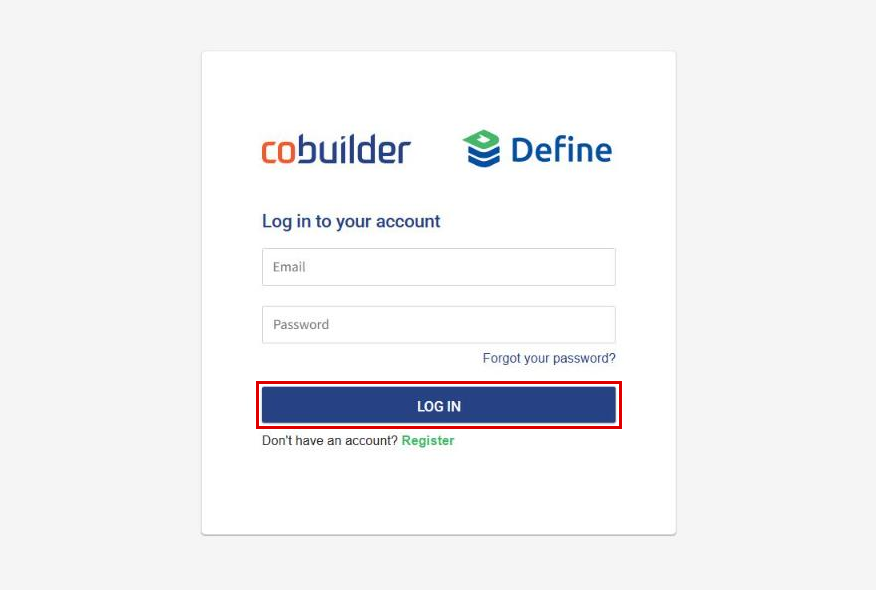
Enter your email and password, and click Log in.
3
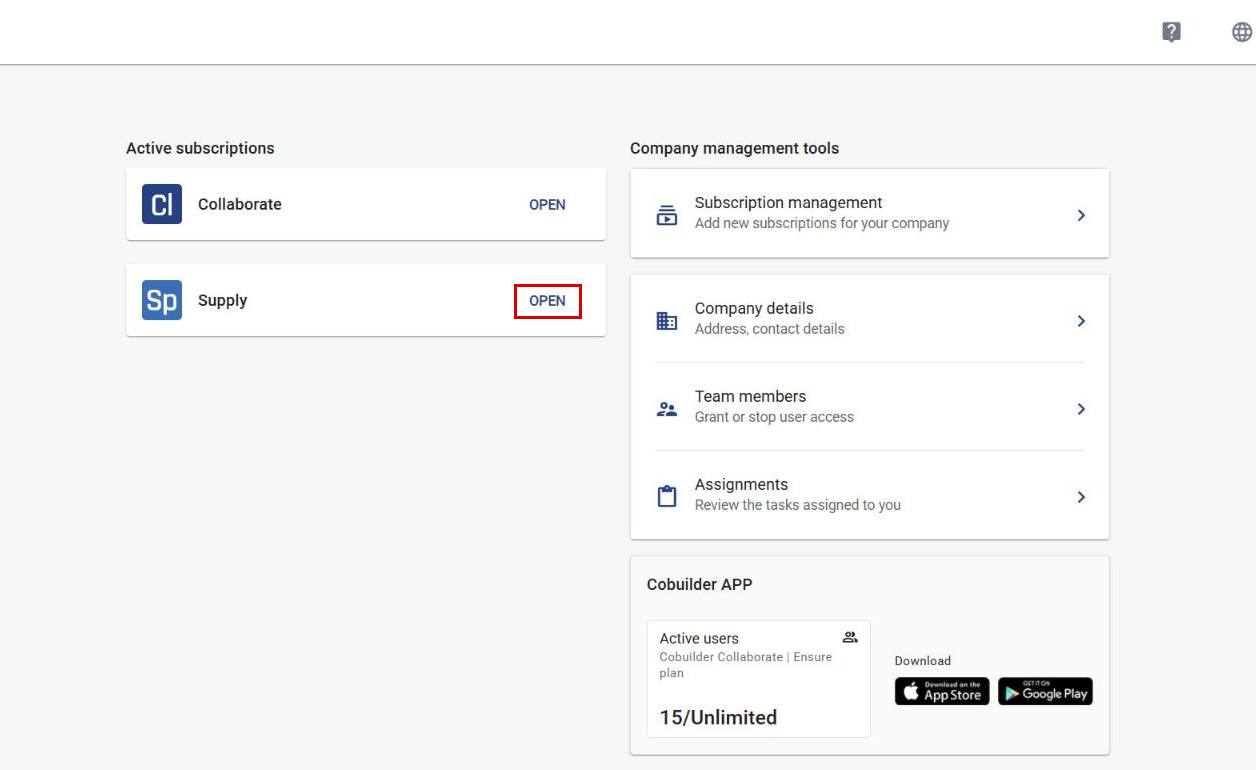
Under Active subscriptions, click Open next to Supply to open Cobuilder Supply.
Forgot your password?
4
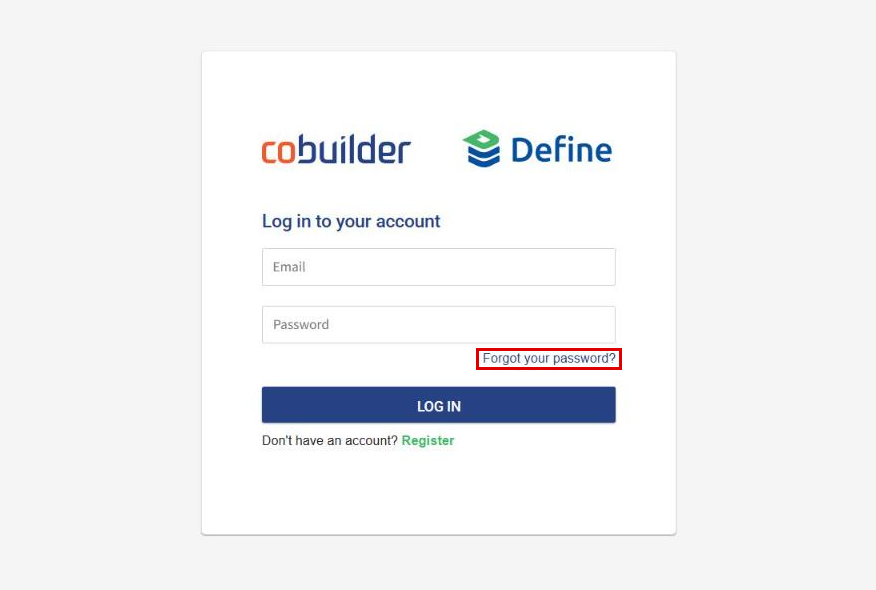
On the login page, click Forgot your password?
5
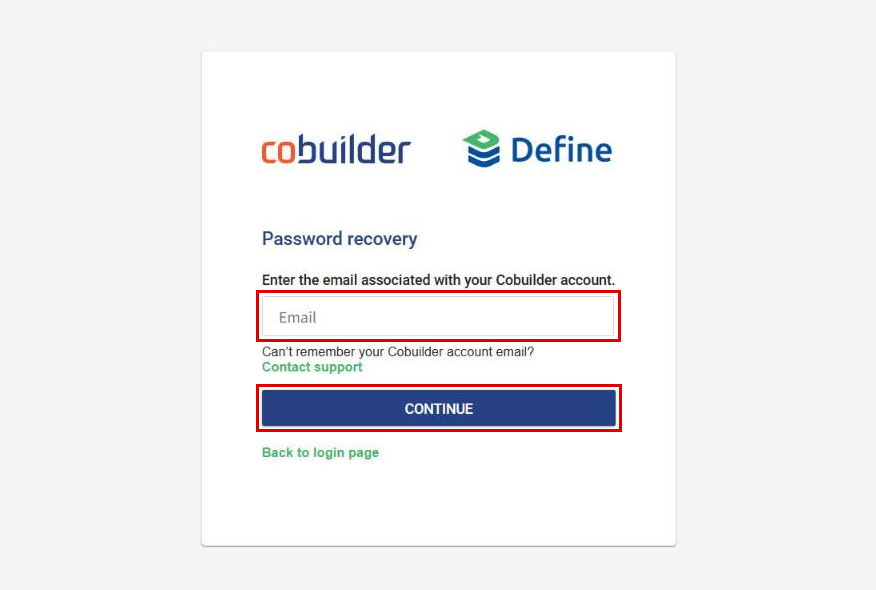
Enter your email and click Continue. You will get an email with instructions to reset your password.
Previous How to edit a product
Post
