Welcome to Cobuilder Training Portal
You can organize your business in the company hierarchy in Collaborate by adding regions or subsidiaries. This gives you a better overview of users, projects and how your company is organized.
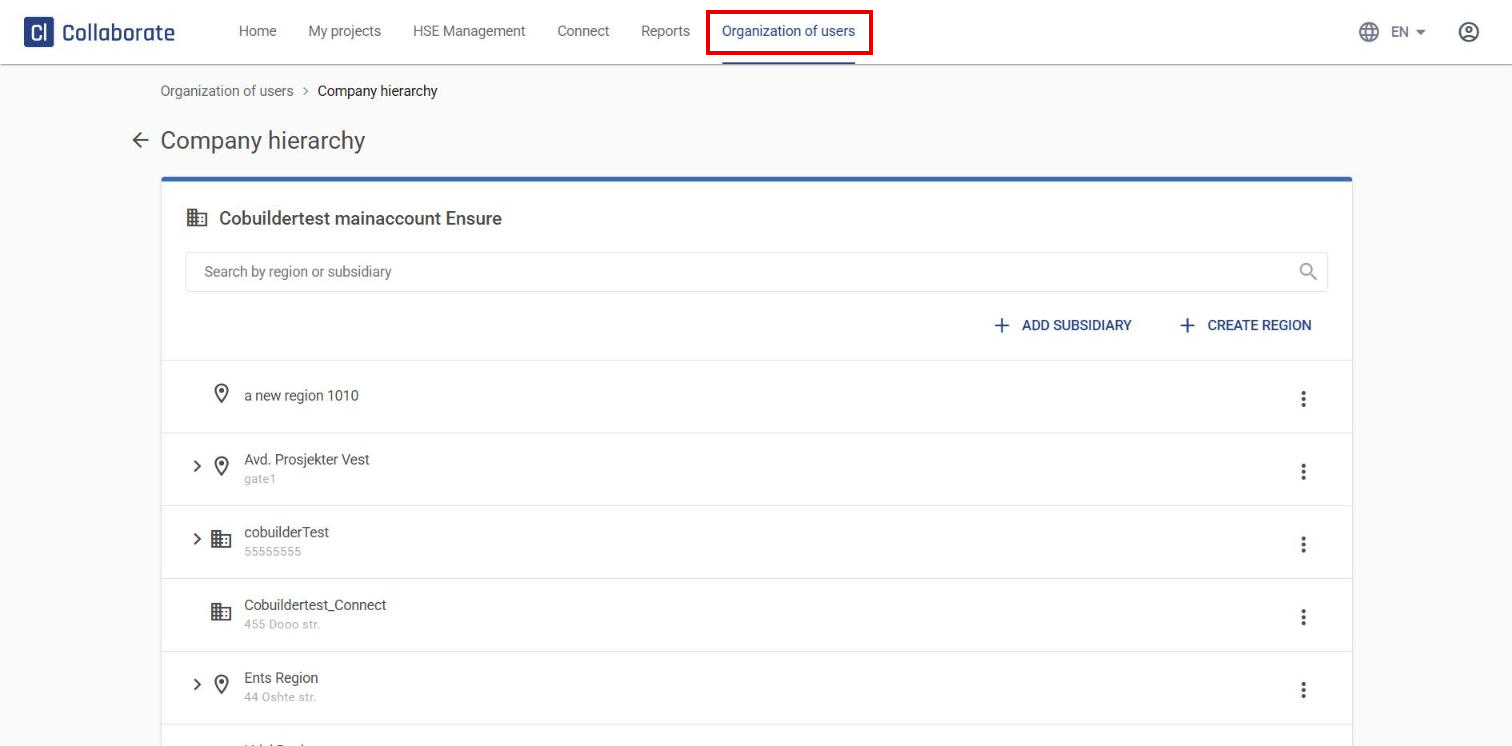
Go to Organization of users in the top menu and select Company hierarchy. Here you can create regions or add subsidiaries.
Create a region
Use a region to organize internal departments or geographical regions within your company.
Regions:
- operate under the main company’s license
- can be invited to projects
- can be invited by name, but not by their own organization number (if they have one)
1
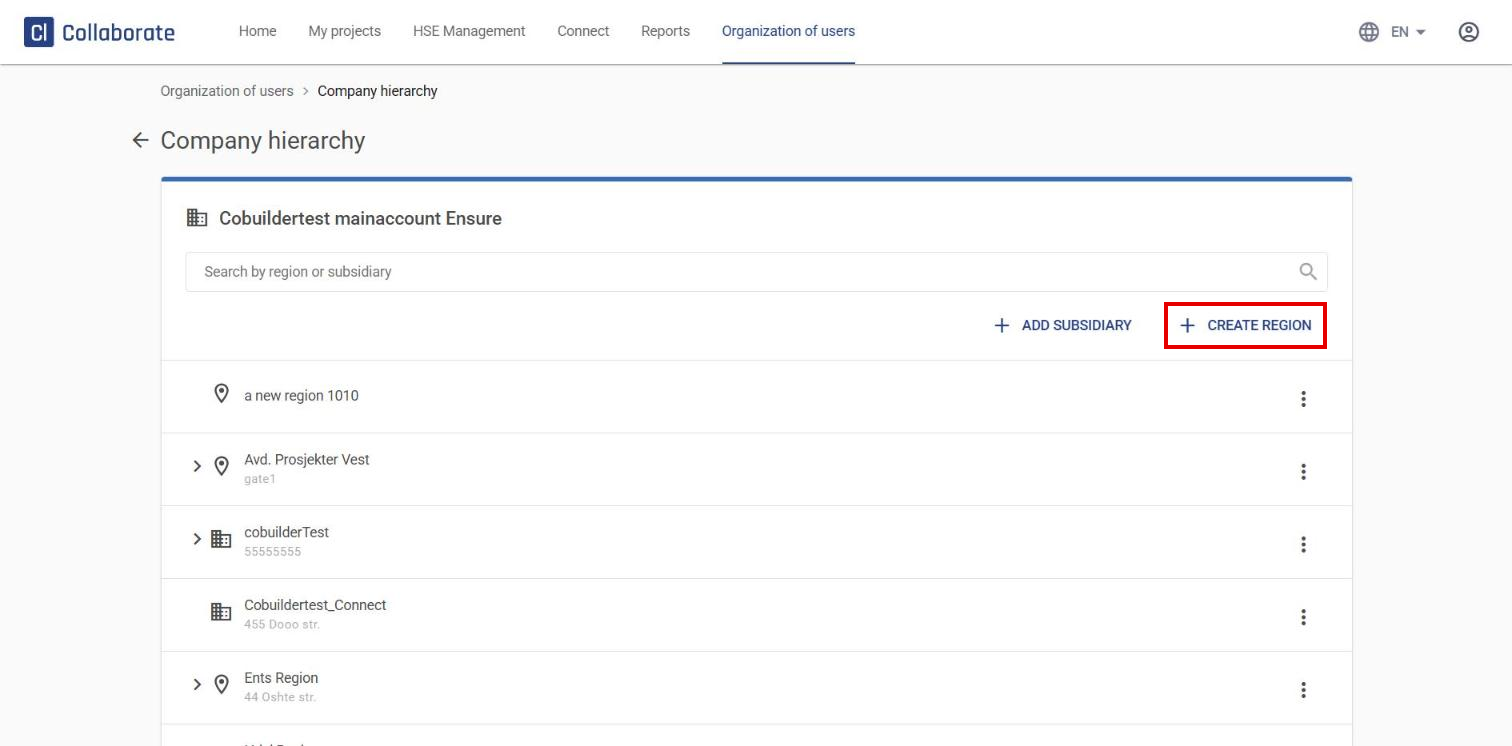
Click Create region.
2
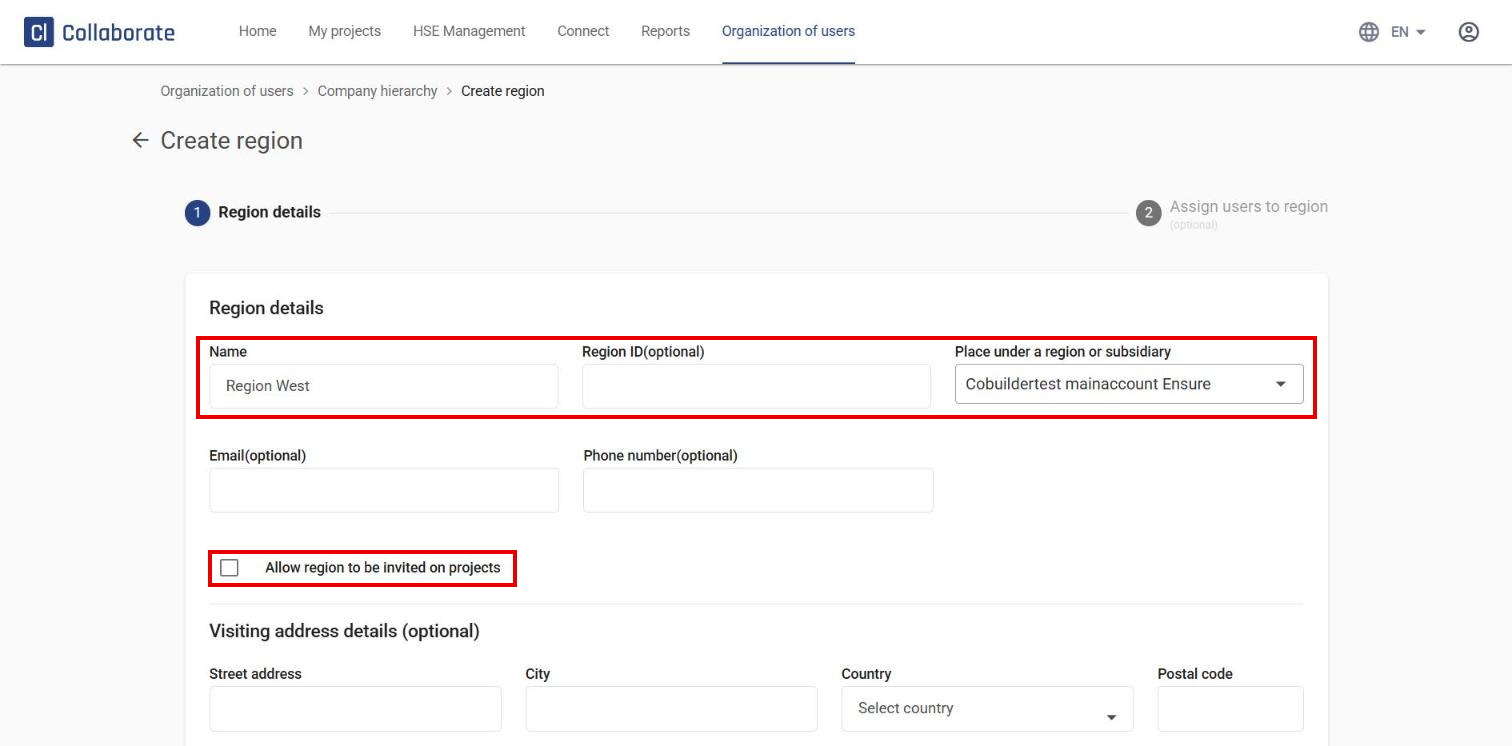
Fill in the region details – for example Name, Region ID and Place under a region or subsidiary. Choose whether the region can be invited to projects with Allow region to be invited on projects, then click Next.
3
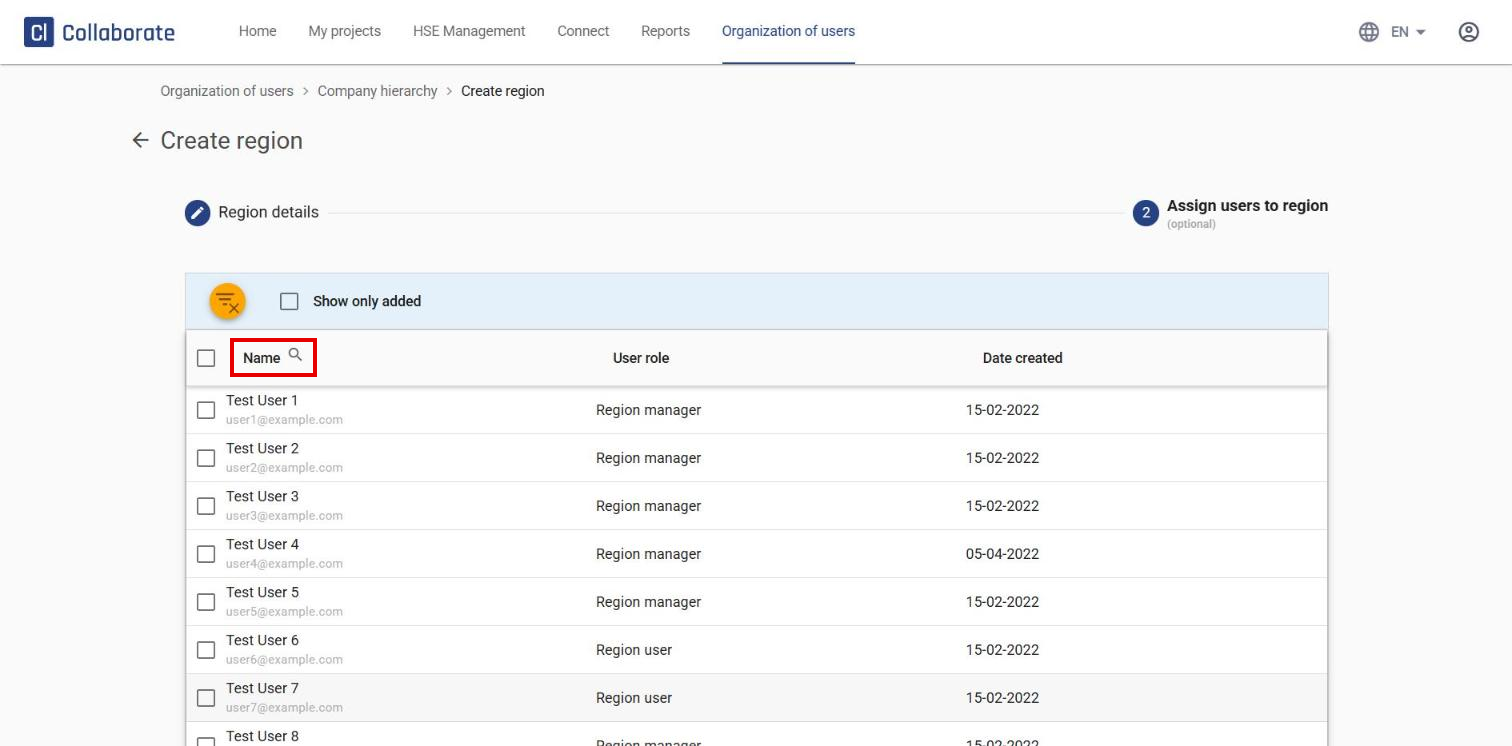
Search for and add the users who should belong to the region. This step is optional. Click Create to finish.
Add a subsidiary
A subsidiary has its own license in Collaborate, so it doesn’t operate under the main company’s license. You can still link subsidiaries to the parent company to get a better overview of users and projects across your organization.
4
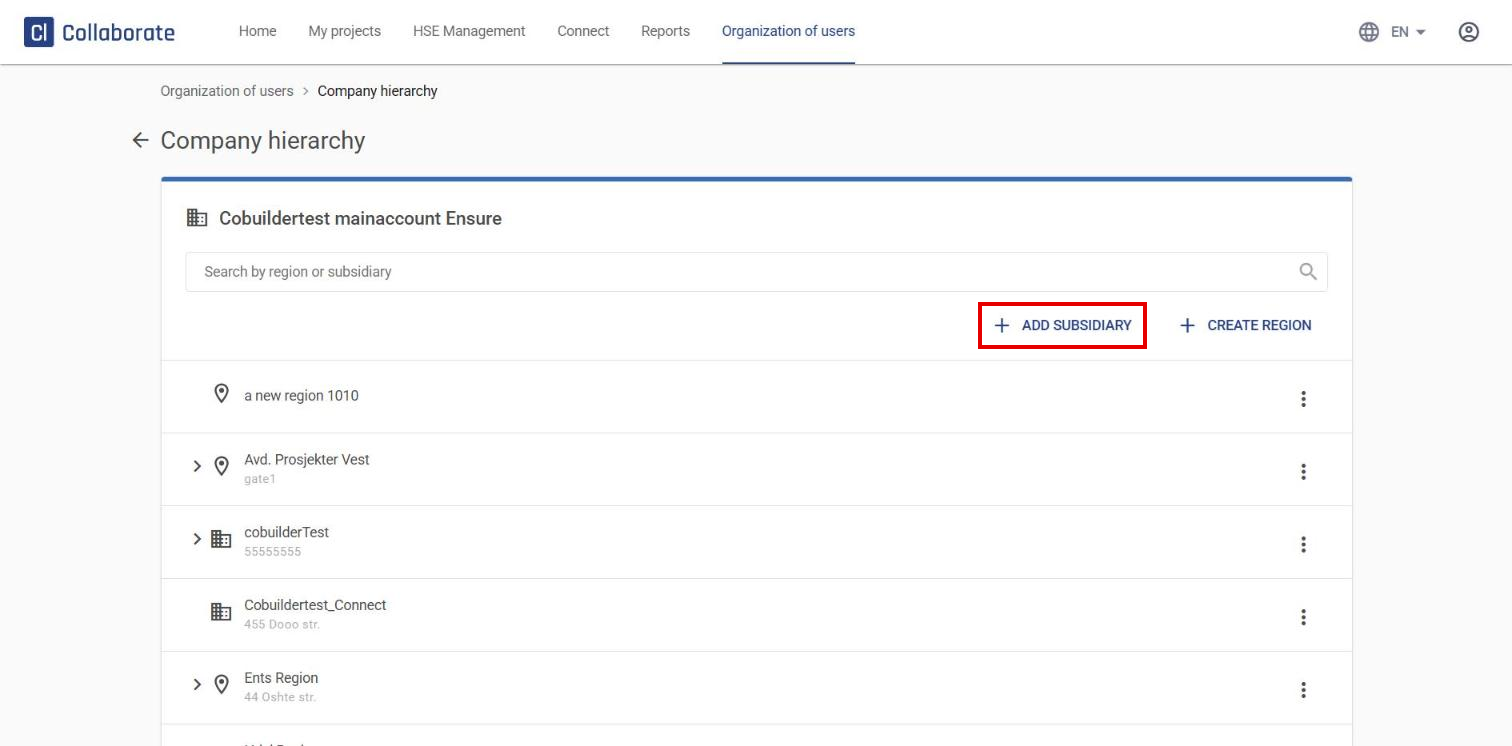
Click Add subsidiary.
5
Get the subsidiary’s company key.
6
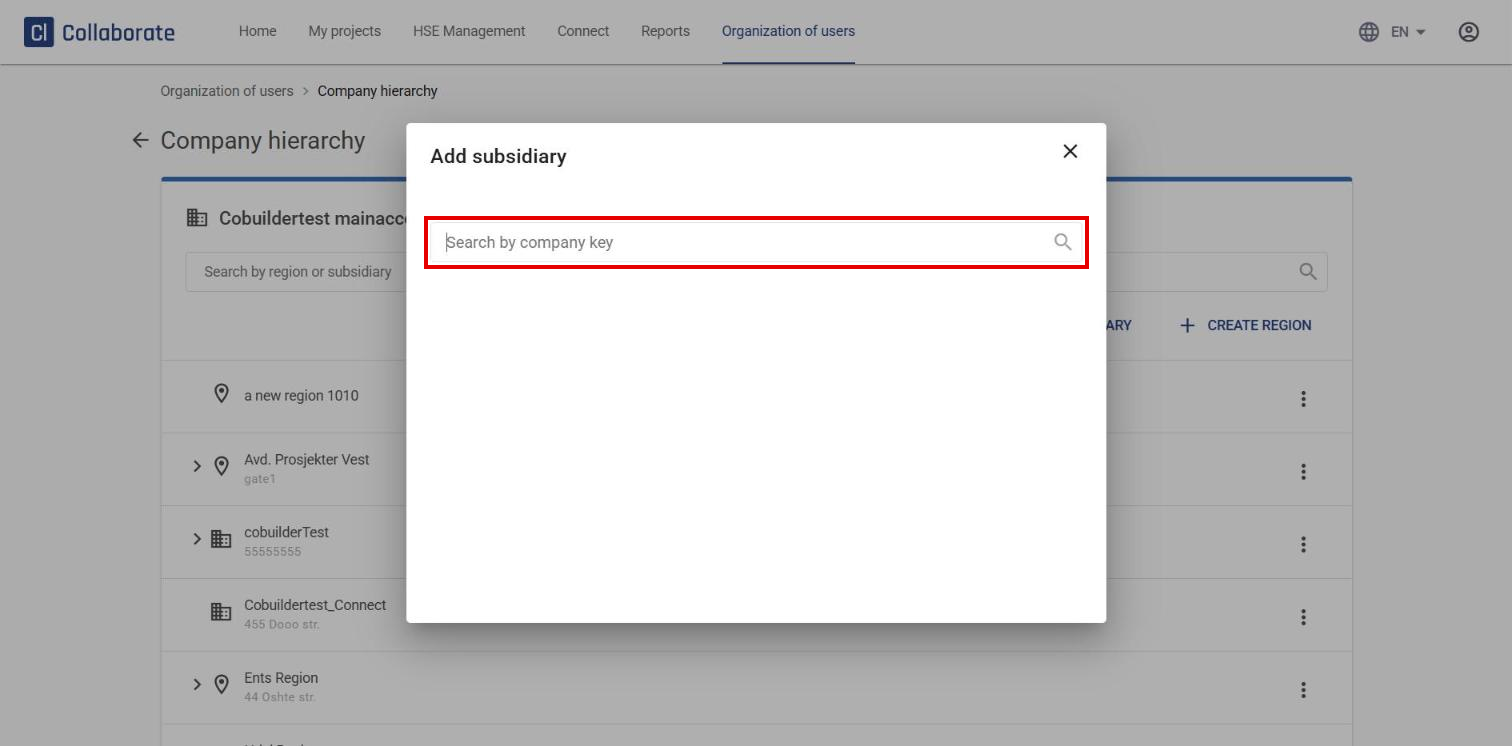
Enter the company key in the Search by company key field, select the right subsidiary from the list, and save to complete the link.