Welcome to Cobuilder Training Portal
Setting up a new project with the same products as a project you already have? Instead of adding them again one by one, you can copy the whole product list from the existing project.
Copy the products
1
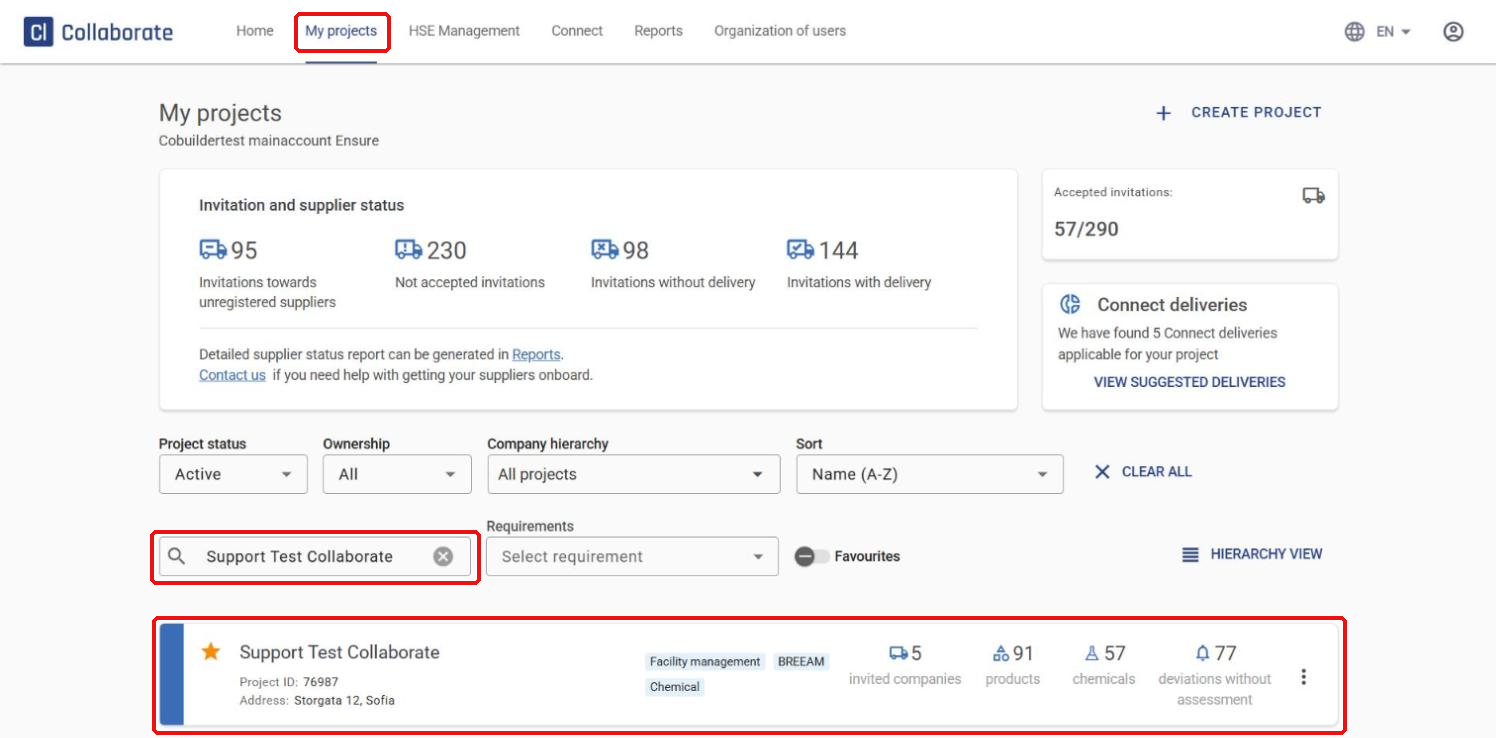
Go to My projects, search for the project you want to copy the products into, and click it.
2
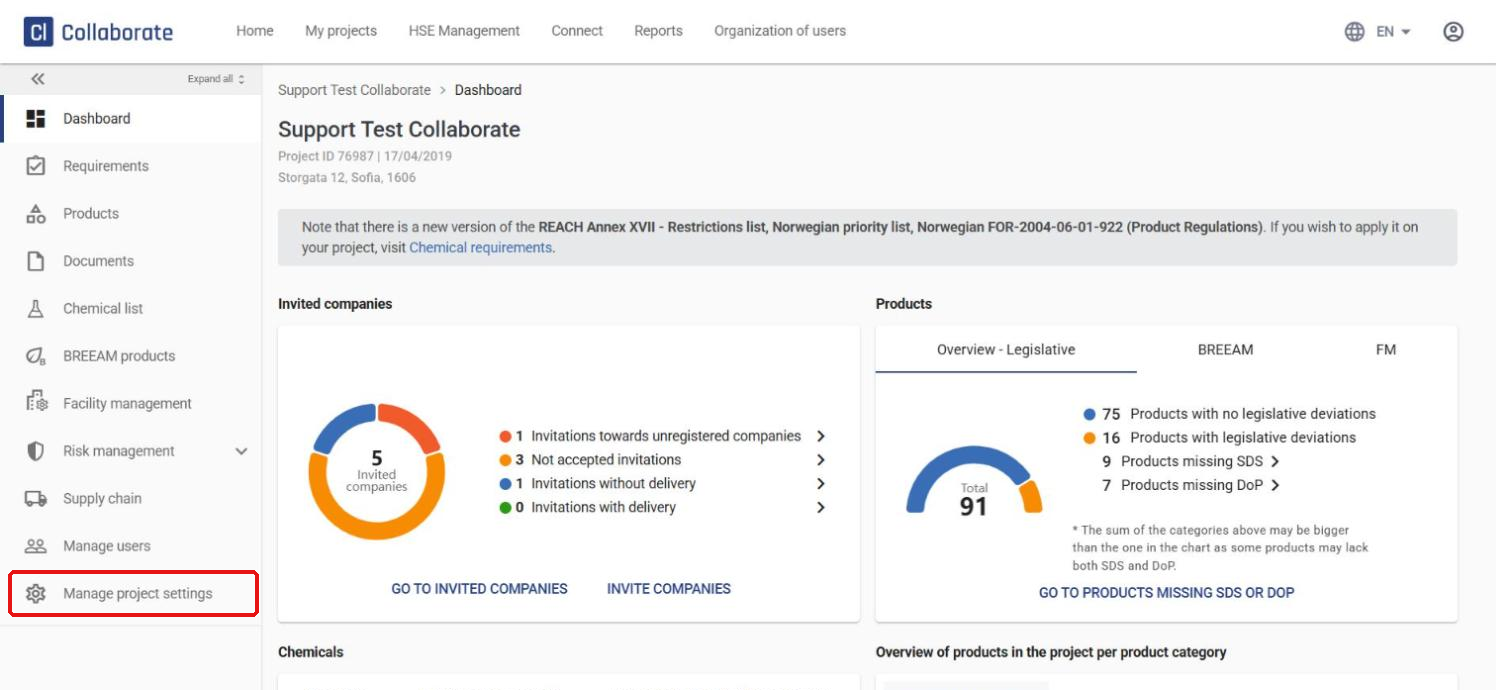
Click Manage project settings in the left-hand menu. This takes you straight to Project settings.
3
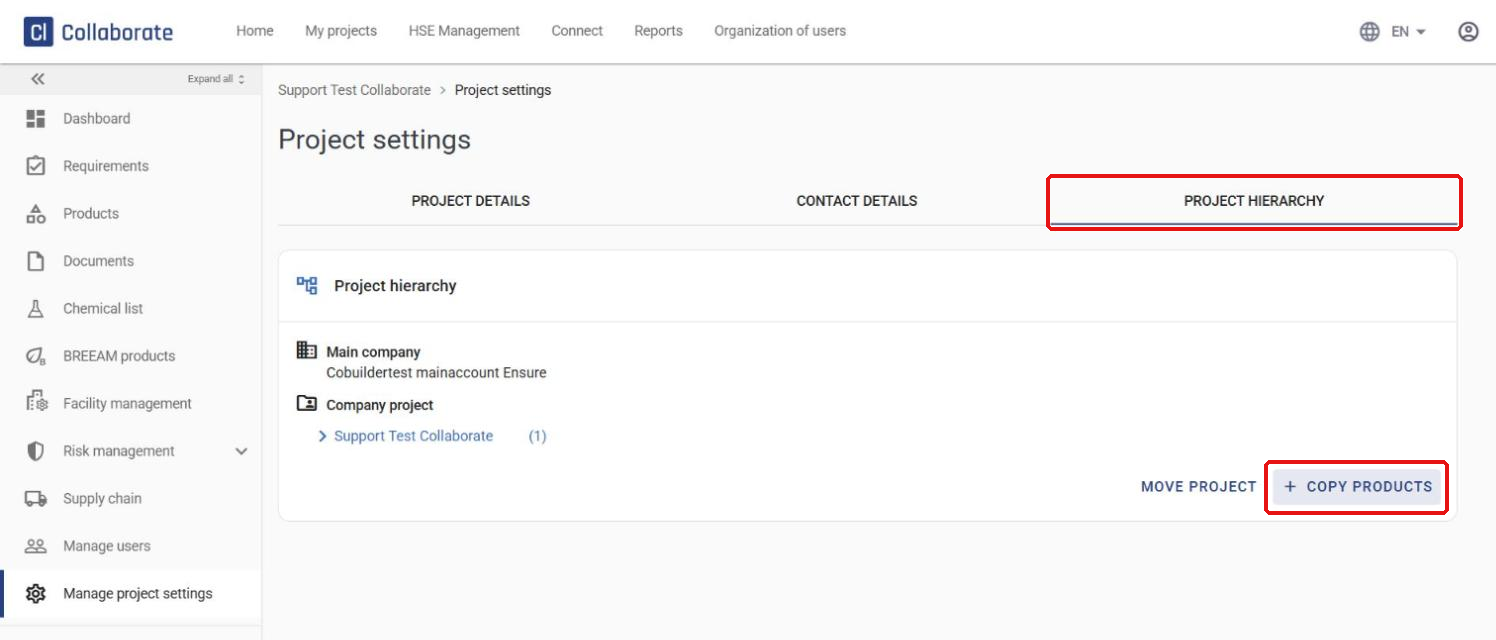
Go to the Project hierarchy tab and click Copy products.
4
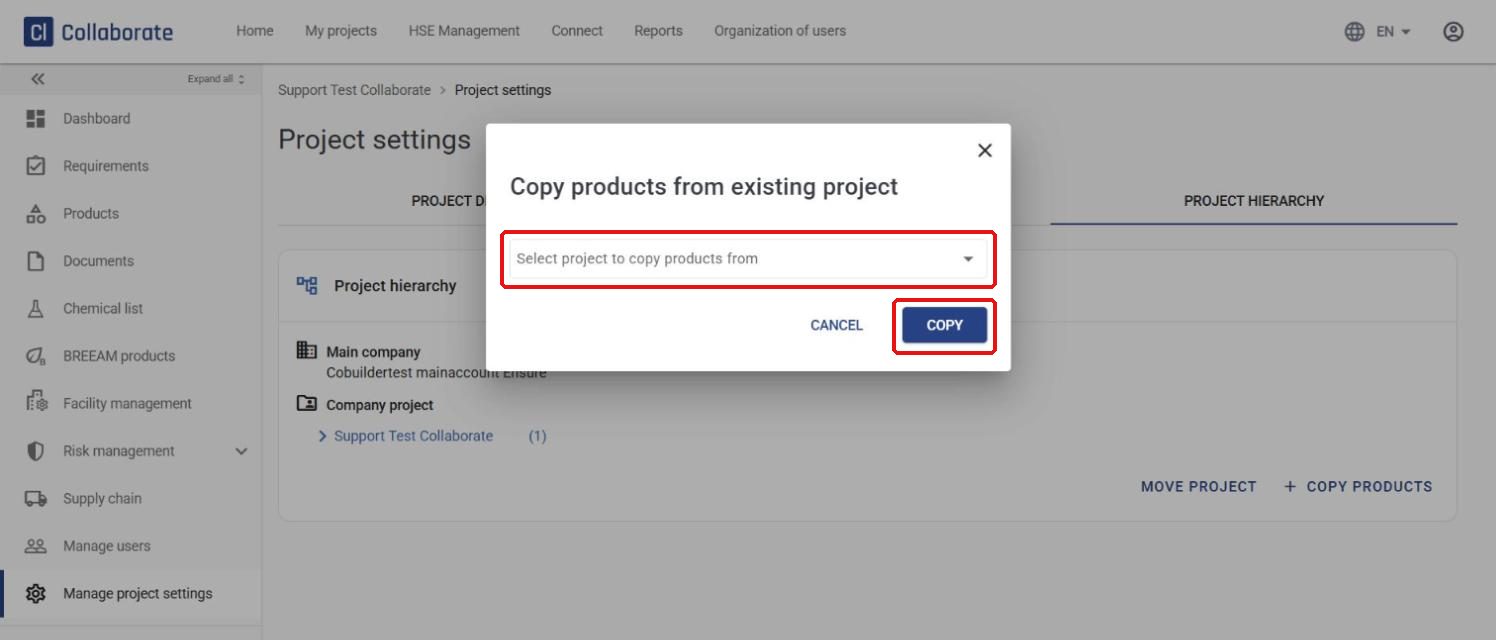
In the drop-down list, select the project you want to copy products from, then click Copy.