Welcome to Cobuilder Training Portal
Mark a product as a favorite so you don’t have to search for it again every time you add it to a project.
Mark a new product as a favorite
1
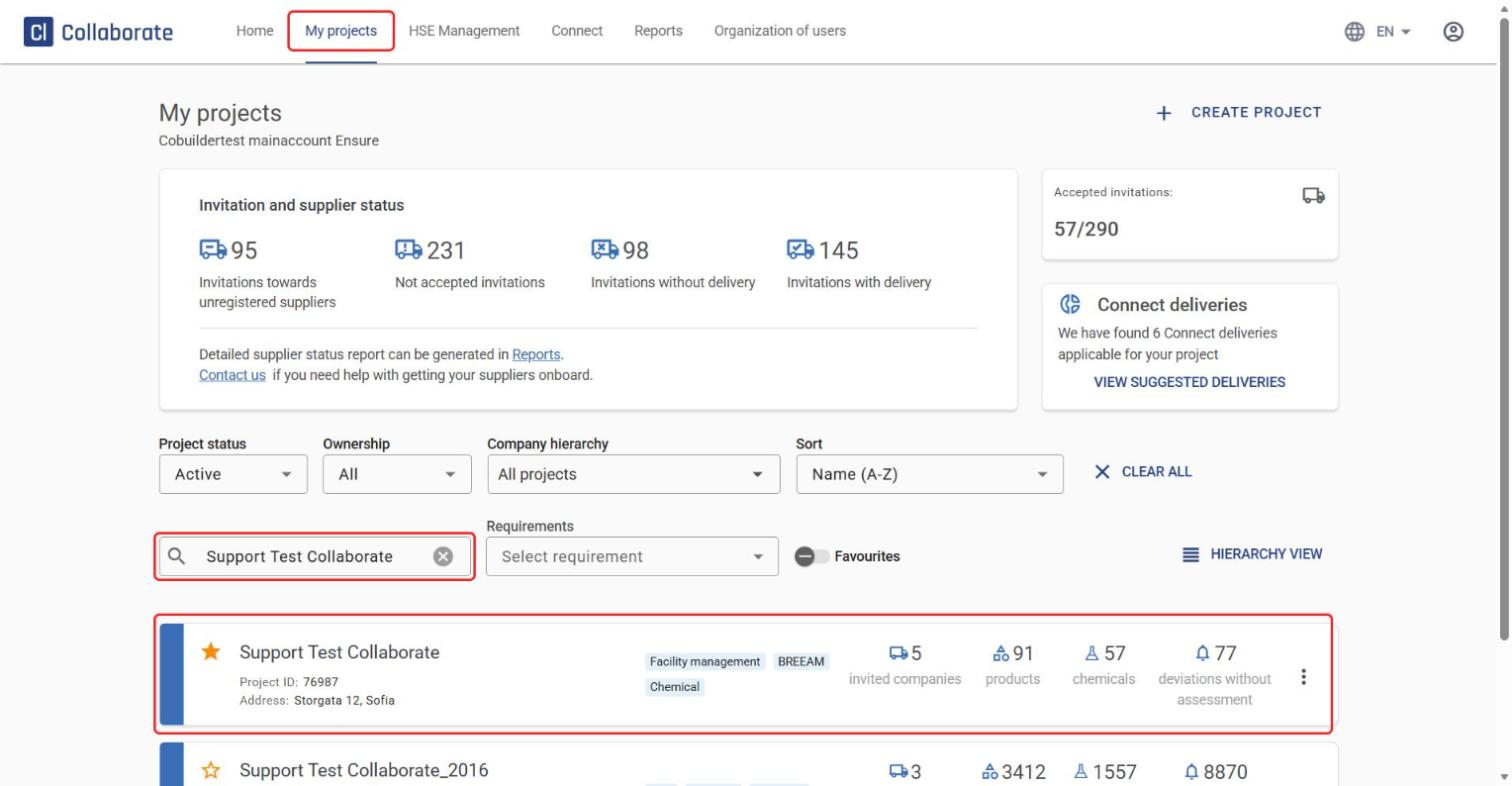
Go to My projects, search for the project you want and click it.
2
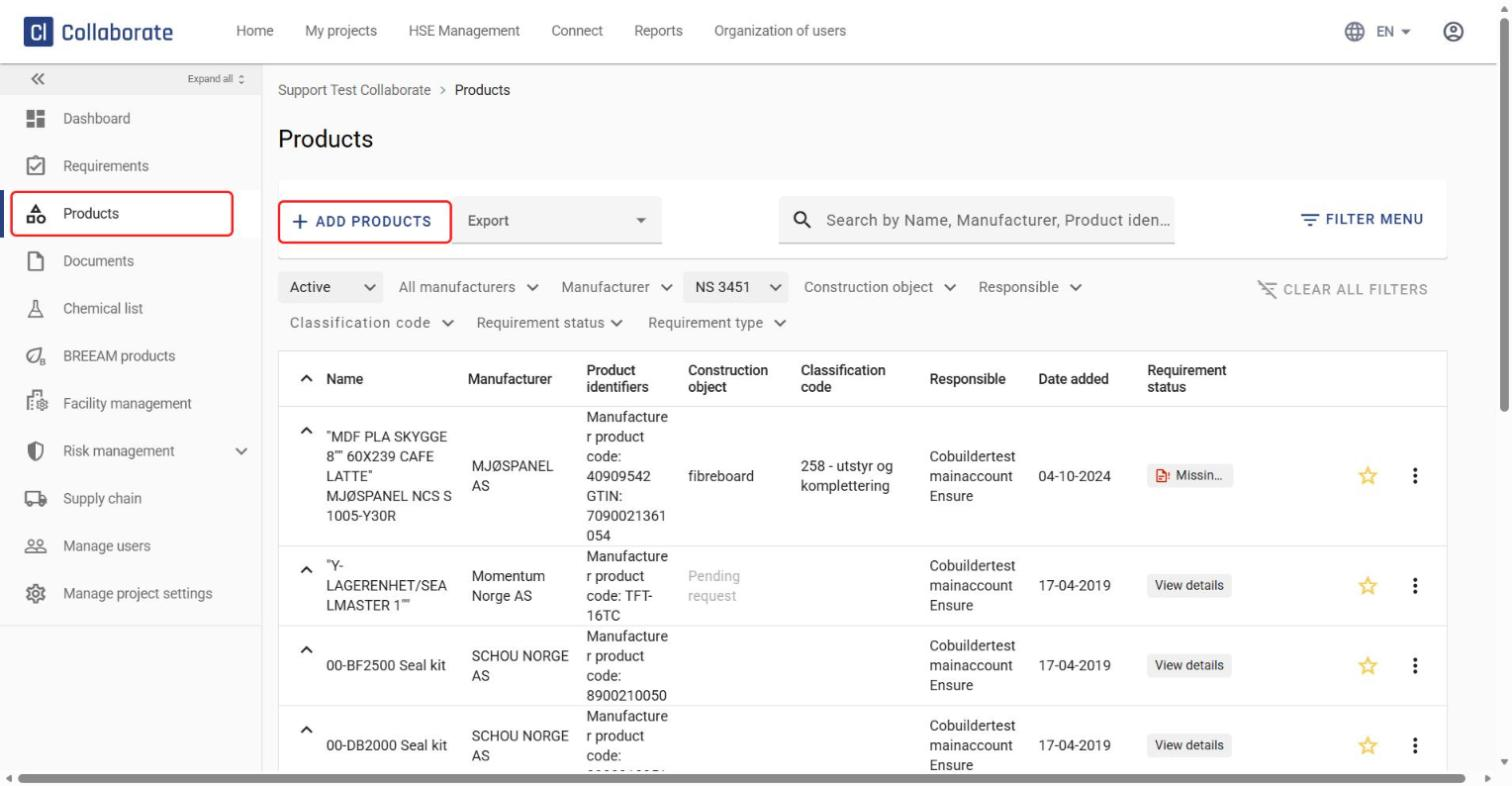
Go to Products in the project menu and click Add Products.
3
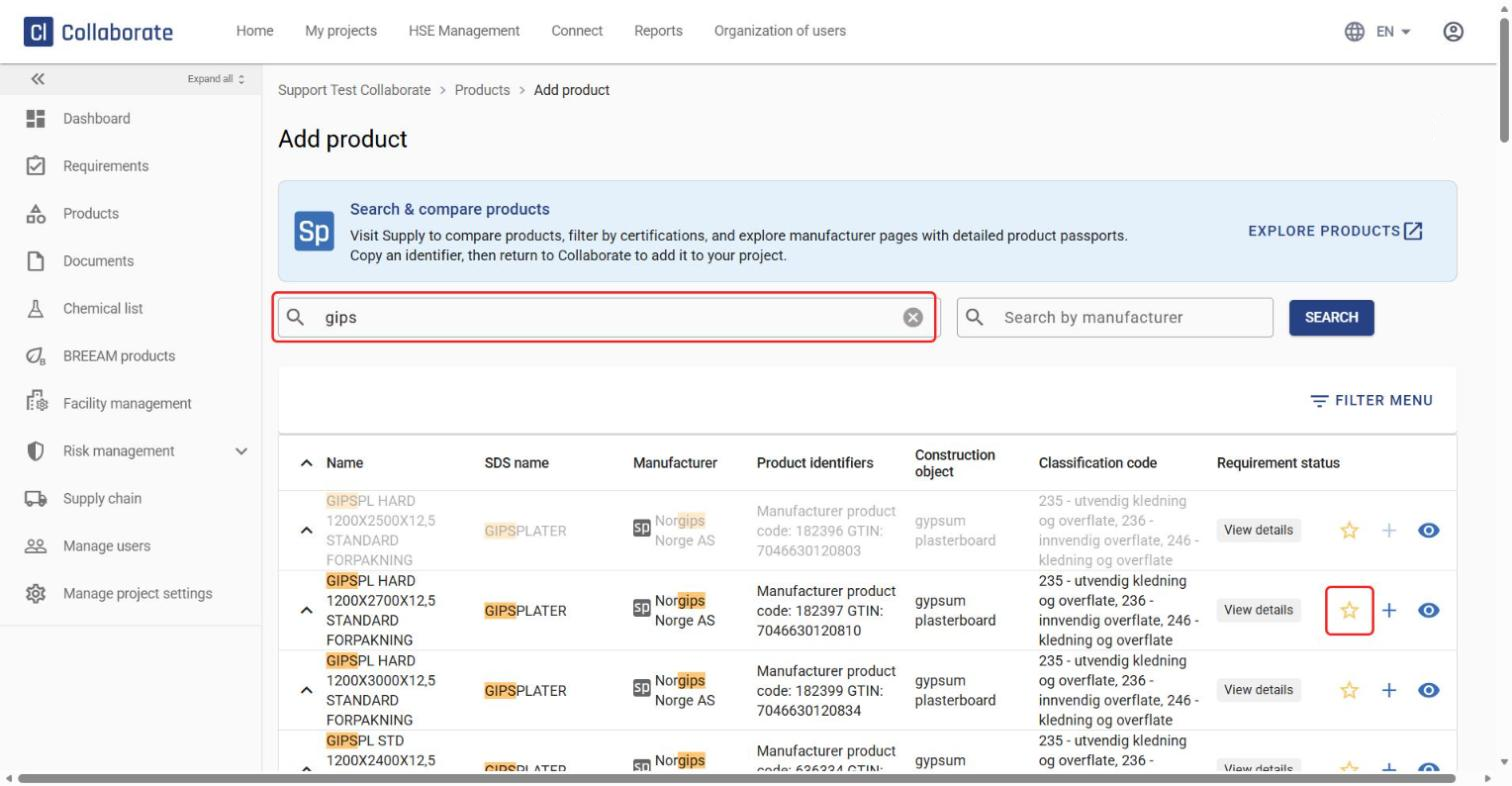
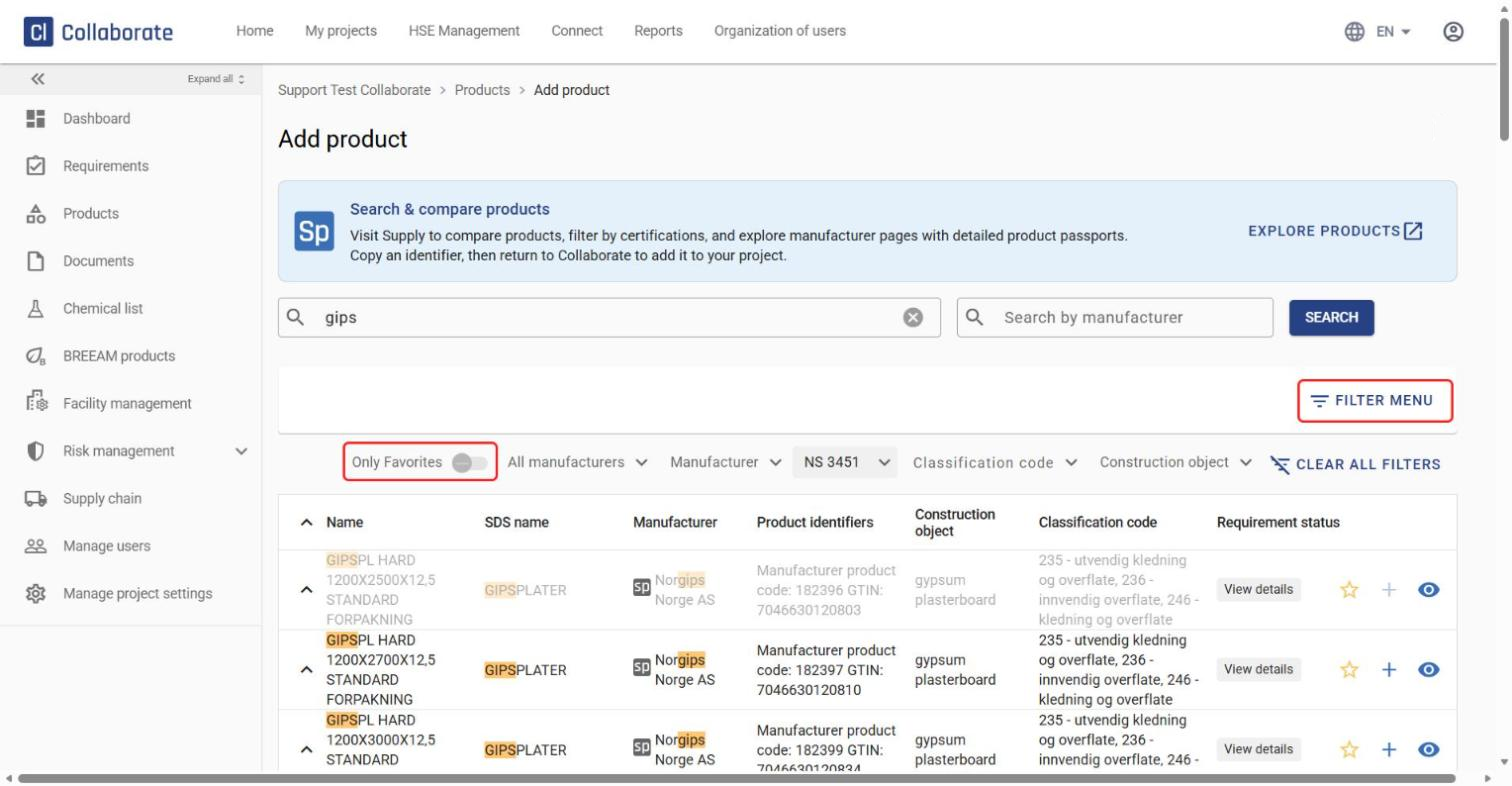
Search for the product by product name, product type, SDS name, manufacturer, article number or another identifier. Click the star to mark the product as a favorite.
4
To see all your favorites in one place, open the Filter menu and turn on Only Favorites when you search for new products in the project.
Mark an existing product as a favorite
5
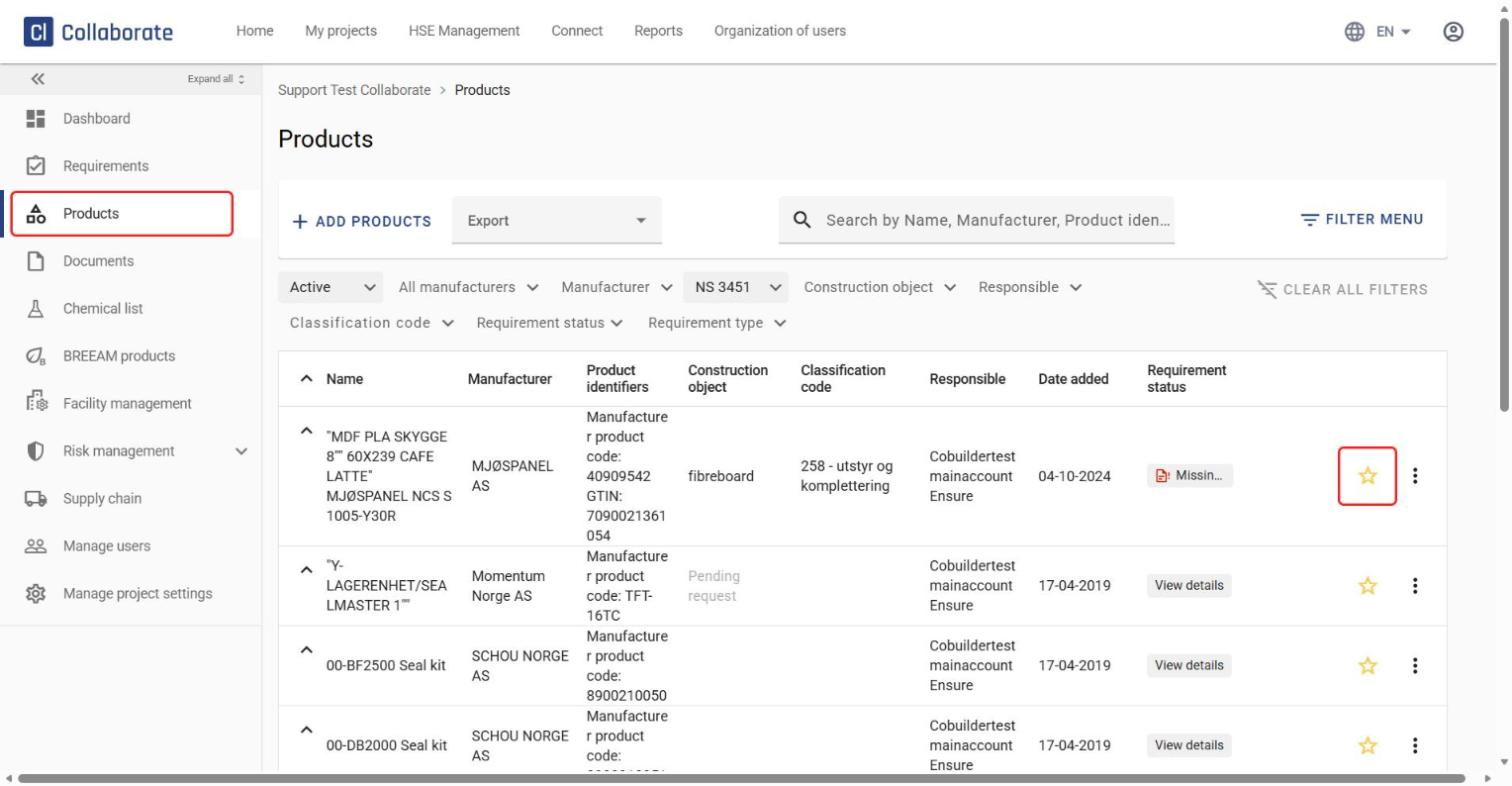
You can also mark products that are already in the project as favorites. Go to Products, find the product in the list and click the star.