Welcome to Cobuilder Training Portal
You can move a project to another region in your company hierarchy. Projects can only be moved between regions, not to subsidiaries.
How to move a project
1
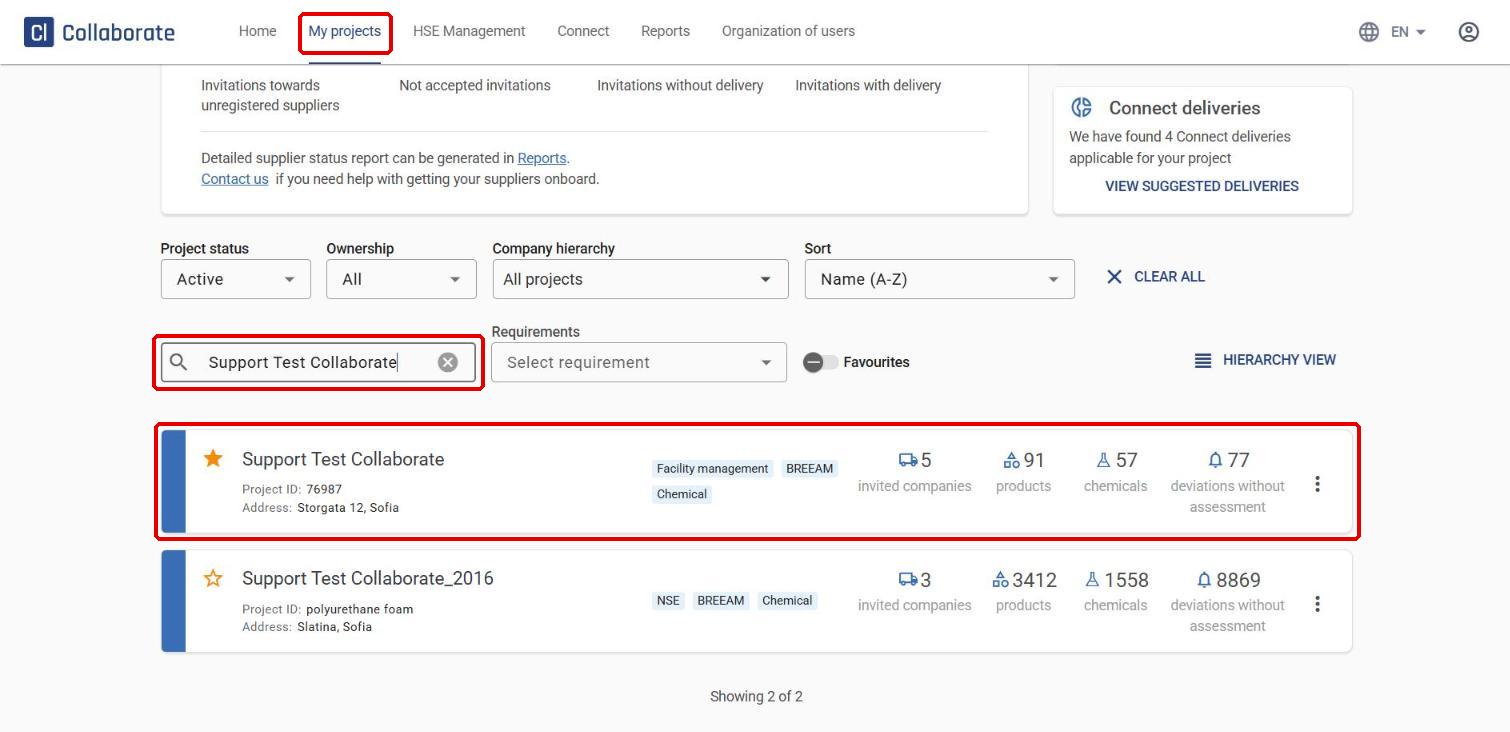
Go to My projects, then find and open the project you want to move.
2
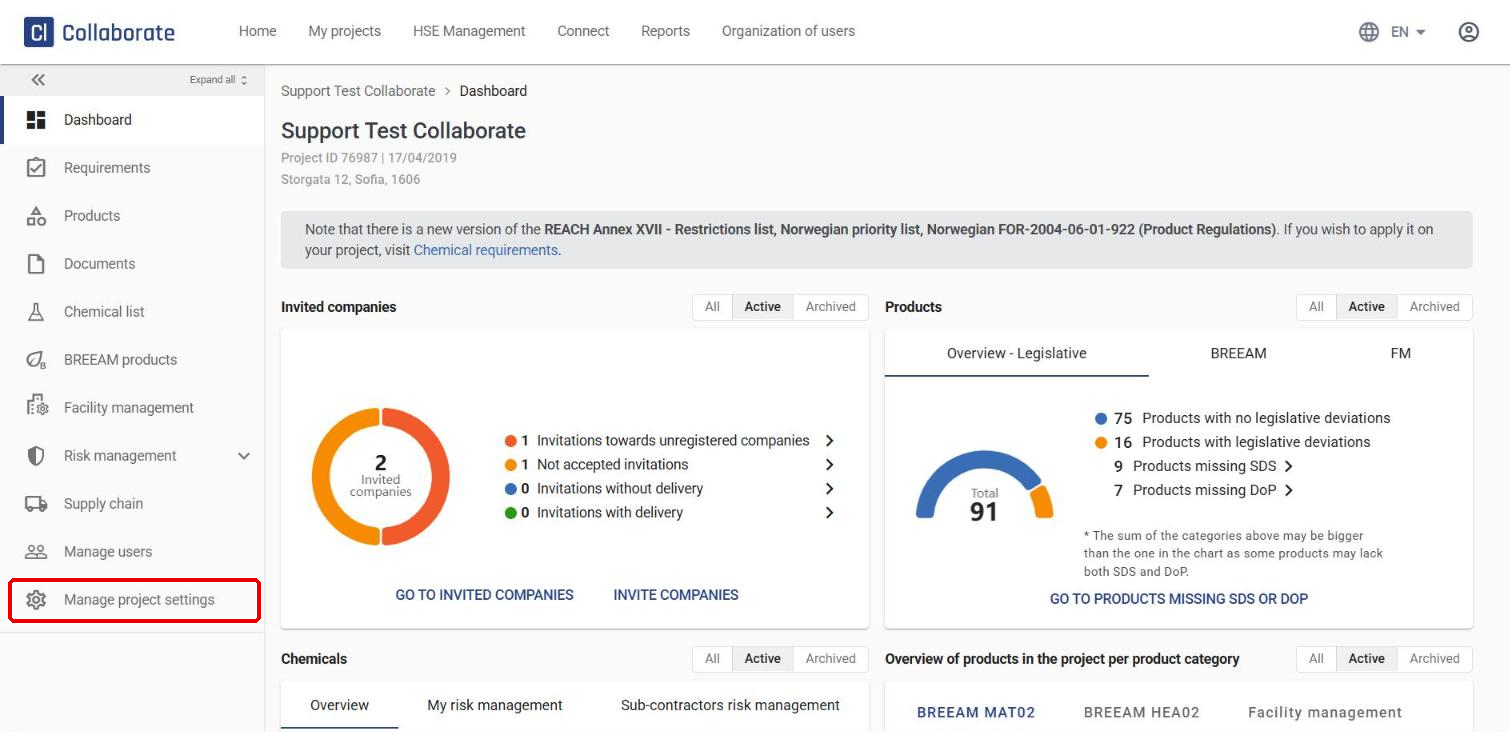
Click Manage project settings at the bottom of the left-hand menu.
3
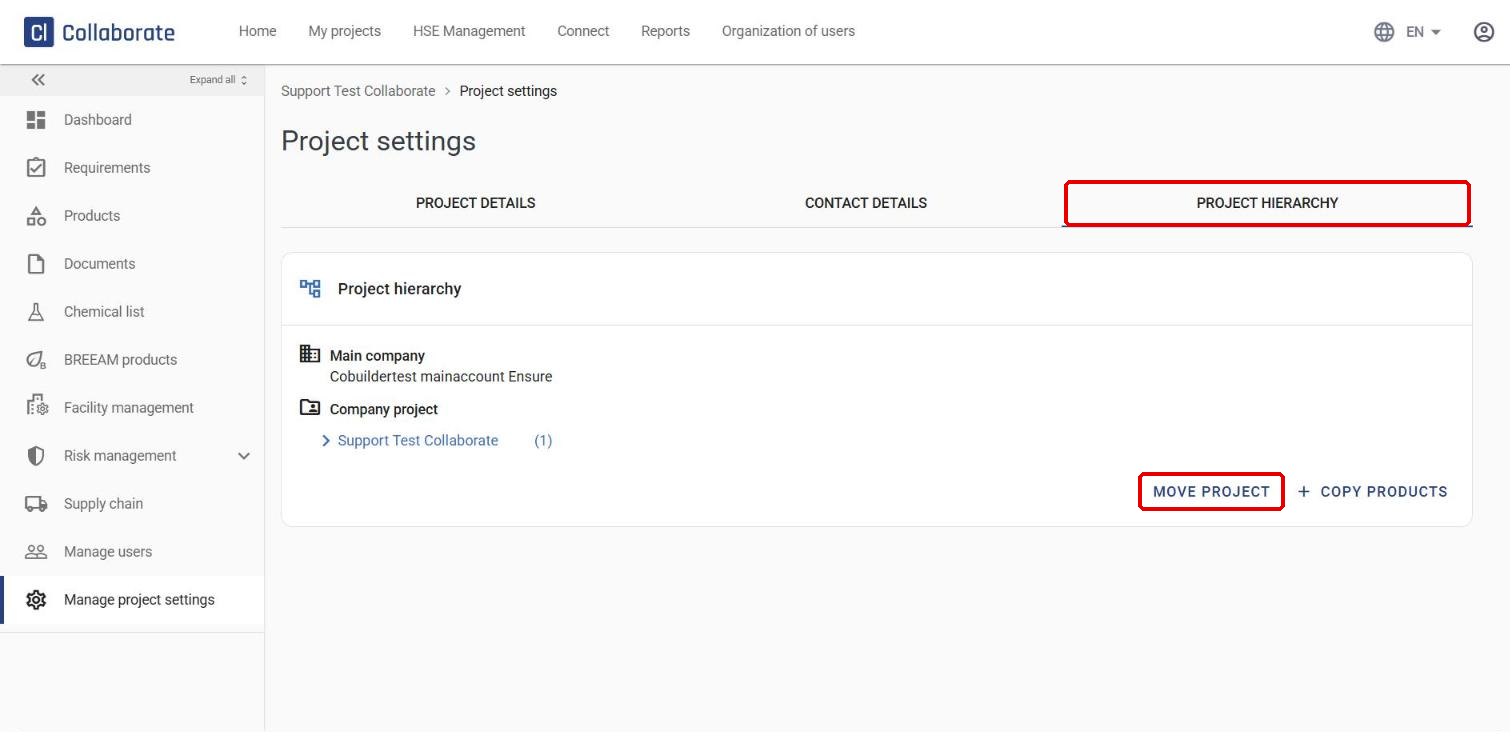
Open the Project hierarchy tab and click Move project.
4
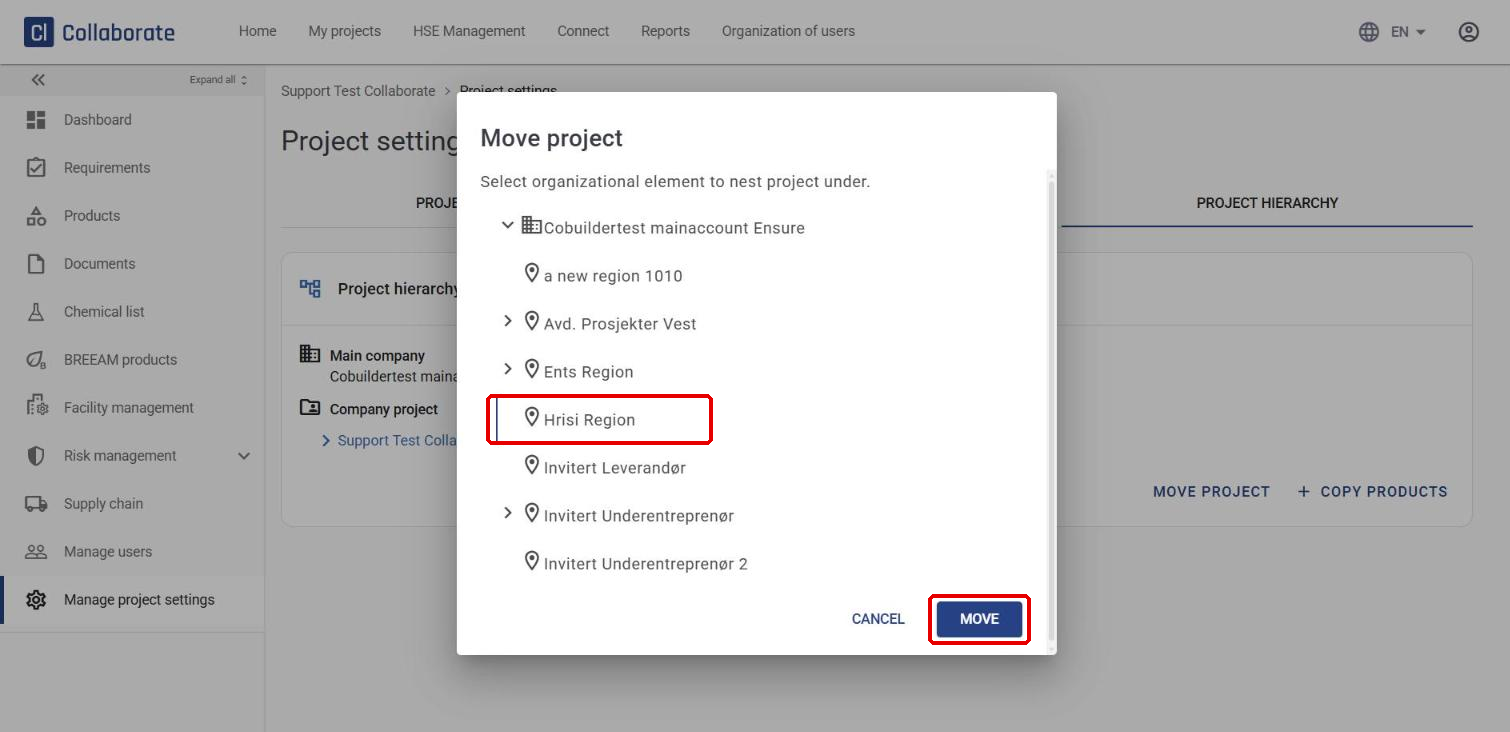
In the window that opens, select the region you want to move the project to, then click Move to confirm.